One-phone games• 11 min read
18 pass-and-play games for iPhone and iPad
Share one phone for quick challenges, party games, and full digital board games when Wi-Fi is nowhere to be found.

The short answer
Start with Fun Games for Flights for a varied offline library covering solo, two-player, and group play in one download. If you want a separate two-player app, compare 2 Player Games: The Challenge, Drive Ahead!, and Mucho Party. For a larger group, try Out of the Loop or Triple Agent. For a proper board game, Tsuro and MONOPOLY have clear one-device modes.
Our first pick · Free on iPhone
Fun Games for Flights puts the offline library first.
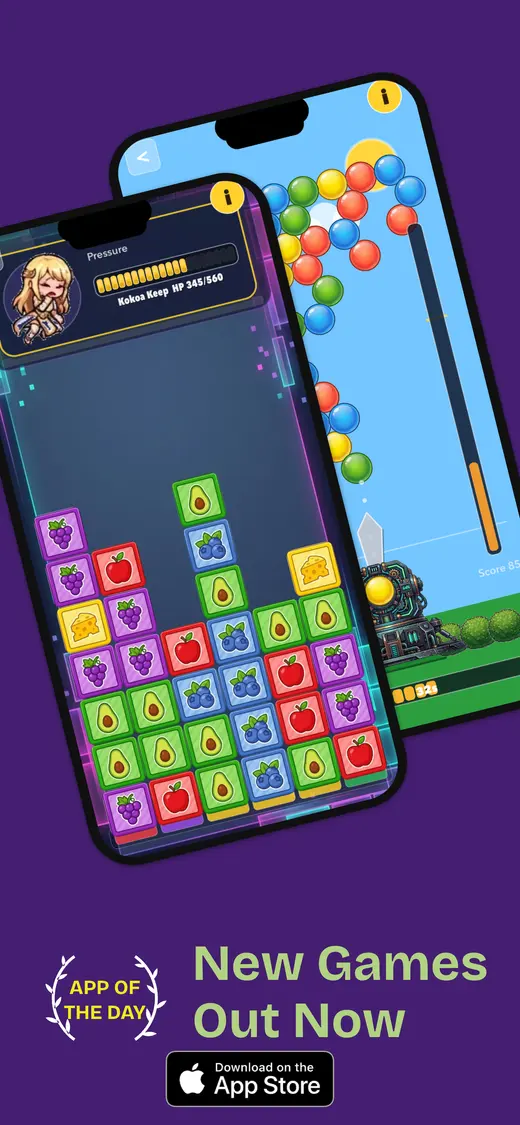
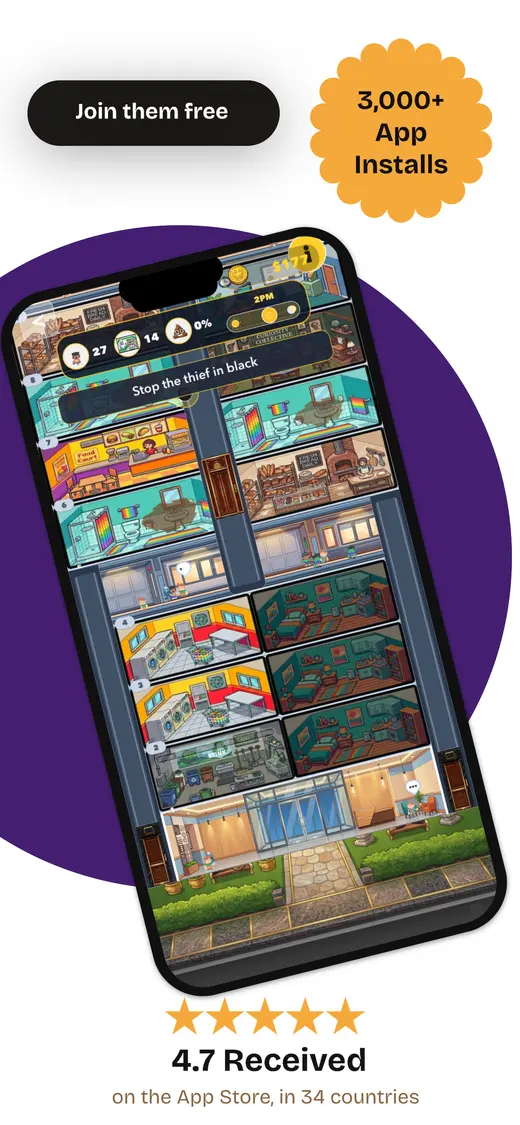
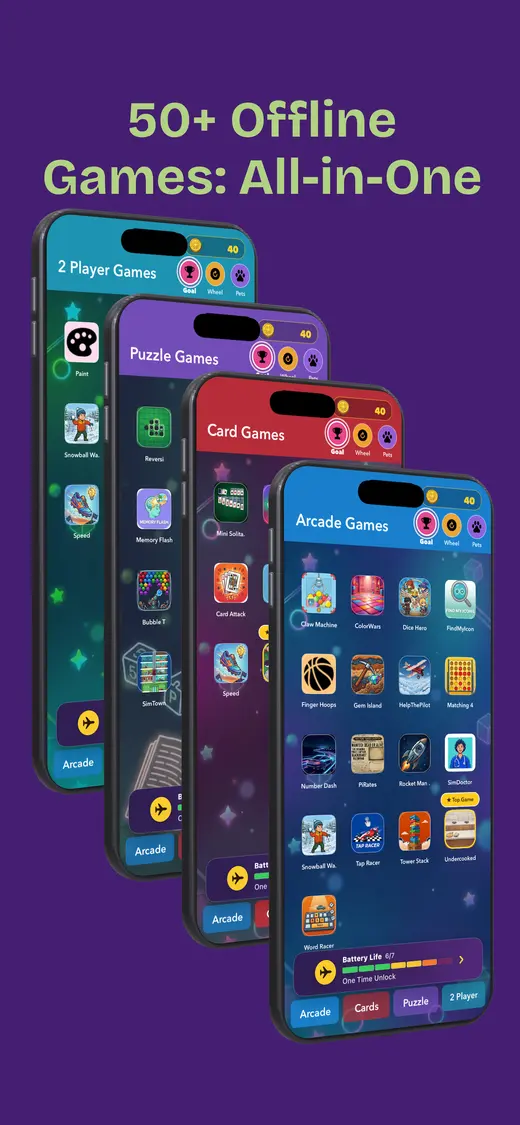
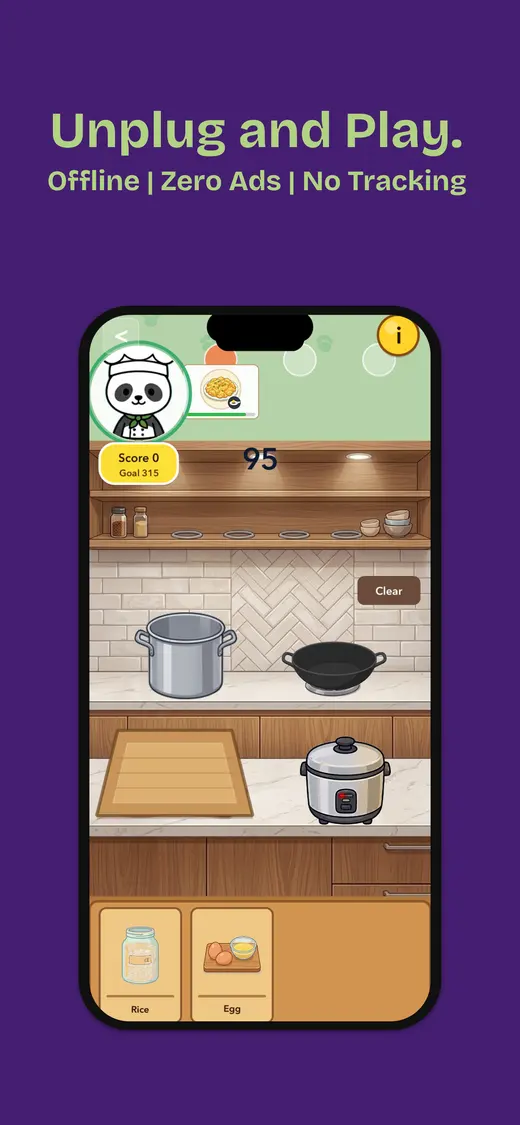
We made Fun Games for Flights because “offline games” should mean more than downloading six separate board-game apps. One install gives you quick choices for playing alone, taking turns with one other person, or getting a group involved when the signal disappears.
That variety matters more than it sounds. A game can be perfect for ten minutes and completely exhausted by the eleventh, especially when a long flight has already made everyone slightly less patient than usual. Being able to move from a solo round to a two-player challenge or a group game without another download—or a sudden demand for Wi-Fi at 30,000 feet—is exactly why we put the collection together.
- Works offline after installation
- Solo, two-player, and group games
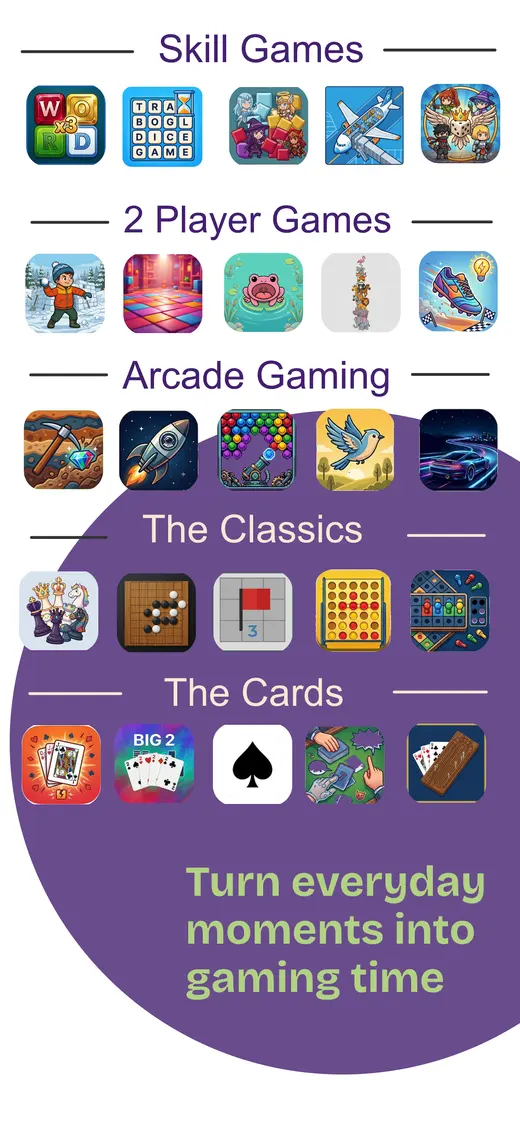
- Arcade, skill, card, and classic categories
- No data collected
A list that says “try a word game” is not much help when you are standing in the App Store wondering which one actually works on a shared phone.
This guide names the apps, links to their current listings, and separates true pass-and-play from same-screen and local Bluetooth games. That distinction matters: Worms 2 needs several devices, while Tsuro can put eight people around one.
App listings, prices, compatibility, and offline behaviour can change. Download every game and optional deck on Wi-Fi, then finish a test round in airplane mode before travelling. For longer solo sessions, see our offline games for long flights. For a car full of people, the road-trip games guide adds spoken and paper backups.
Pick a game
Offline iOS games at a glance
Compare how many people can play, how the phone is shared, and how long a round takes.Know the controls
Four ways an offline app can become social
Pass-and-play is useful, but it is not the only way to share one phone.Pass-and-play
One player completes a private or turn-based action, then hands over the device. Best for cards, boards, questions, and hidden information.
Same-screen
Both players touch opposite sides of the display at once. Best for air hockey and reflex games, but cramped on smaller phones.
Phone as prompt
The screen supplies a word, question, score, or timer while the real play happens aloud. Best for charades, trivia, and groups.
Local wireless
Each person uses a device connected by Bluetooth or local Wi-Fi. Useful, but it is not one-phone pass-and-play and may need more setup.
Start with the screen
Same-screen iOS games
Six games for two to four people sharing one iPhone or iPad.2 Player Games: The Challenge ↗
Best for two people who want instant competition. Its dozens of ping-pong, air-hockey, racing, strategy, and reflex mini-games support one to four players on the same device, and the App Store listing explicitly says they work offline.
Drive Ahead! ↗
Best for quick head-to-head rounds. Two players steer tiny vehicles from opposite sides of one screen and try to land a hit on the other driver's helmet. The current listing specifically includes a two-player offline party mode.
BADLAND ↗
Best for four people who do not mind sharing a crowded screen. Its local versus and cooperative modes let up to four players use one device. An iPad is far more comfortable than asking eight thumbs to negotiate an iPhone.
Mucho Party ↗
Best for two players with different skill levels. It offers 46 same-screen arcade mini-games and starts with a short skill test that can balance the match. Six games are included before the full pack purchase.
Bounden ↗
Best for two people willing to stand up. Each player holds one end of the same iPhone and follows a path of rings, turning the device into a dance guide. Download the tutorial videos before leaving Wi-Fi.
OLO game ↗
Best for quiet, tactile competition. Two to four people flick coloured discs into a target zone on one device; overshoot and the other player can send your piece back. The rules take less time than deciding who gets the first colour.
Still worth packing
Digital board games with local play
Familiar games for anything from a quick path-building round to a full family game night.Tsuro: The Game of the Path ↗
Best for an easy board game that still has decisions. Up to eight players can sit around one device, place path tiles, and try to avoid steering their stones off the board. It also includes solo modes.
MONOPOLY: The Board Game ↗
Best when the group wants the exact classic and has time for it. The official app explicitly supports offline Pass & Play on one device, along with offline AI. It is ad-free but sold as a paid app with optional purchases.
Ticket to Ride ↗
Best for two to five players who want more strategy without a rulebook marathon. Pass & Play is built in, although the app is a large download and expansions cost extra. Install the map you want and test couch play in airplane mode.
Sagrada ↗
Best for puzzle-minded players. The digital dice-drafting game includes pass-and-play, but each player has a private scoring objective, so turn the device away during the handoff. It is a cleaner fit on iPad than a small phone.
Root Board Game ↗
Best for experienced players who want a long asymmetric strategy game. The iOS version supports local play and strong AI, but the factions have very different rules. Download it for a planned session, not as a five-minute queue filler.
The Game of Life 2 ↗
Best for a lighter family board game. Its Pass & Play mode is designed for face-to-face play without internet, and the app handles the board, spinner, and scoring. Extra worlds are optional purchases rather than part of the base game.
Choose for the group
Make the handoff part of the design
The best shared-phone game matches the players, the space, and the amount of privacy each turn needs.
For mixed ages
Start with Mucho Party, Tsuro, or The Game of Life 2. Each has visible rules and enough structure for an adult to help without quietly playing every turn.
For a small phone
Use OLO, Drive Ahead!, or a turn-based game such as MONOPOLY. BADLAND works with four people, but the display becomes a thumb negotiation on smaller iPhones.
For private choices
Triple Agent, Out of the Loop, and Sagrada need careful handoffs. Turn the phone away, finish the private screen, and only then pass it to the next player.
For short waits
Choose 2 Player Games: The Challenge, Drive Ahead!, Out of the Loop, or Triple Agent. Their rounds have a natural end before a boarding line starts moving.
For long travel
Start with a varied offline app rather than betting the whole journey on one game. Browse all AppGamerNews travel guides for deeper solo picks and screen-free backups.

Test before leaving
How to prepare one-phone games for offline play
- Install on Wi-Fi. Open every game and download its optional levels, prompt packs, or card decks.
- Try every play style. Open a solo game, a two-player mode, and any group feature you plan to use.
- Check the handoff. Make sure private cards and answers disappear before the next person receives the phone.
- Enable airplane mode. Turn Wi-Fi off, close the app completely, reopen it, and finish one round.
- Confirm the save. Close and reopen again to verify that scores, purchases, and downloaded content remain available.
- Prepare the hardware. Charge the phone, lower brightness, and carry a permitted power bank.
People also ask
Offline pass-and-play games FAQ
Quick answers before the phone changes hands.What is a pass-and-play game?
A pass-and-play game lets two or more people share one phone or tablet. One player takes a turn, hides or completes any private information, then hands the device to the next player.
Can two people play games on one phone without internet?
Yes. 2 Player Games: The Challenge, Drive Ahead!, BADLAND, Mucho Party, Bounden, OLO, Tsuro, MONOPOLY, Ticket to Ride, and Sagrada all offer a same-device or pass-and-play option. Test the exact mode in airplane mode before relying on it.
What are the best offline pass-and-play games for kids?
2 Player Games: The Challenge, Mucho Party, BADLAND, OLO, Tsuro, and The Game of Life 2 have visible turns or simple same-screen controls. Check the current age rating, remove timers where possible, and test any paid content before leaving Wi-Fi.
Are pass-and-play and local multiplayer the same thing?
Pass-and-play is one kind of local multiplayer: players alternate on one device. Same-screen games let people touch the display together, while local wireless games may require several devices connected by Bluetooth or Wi-Fi.
Will pass-and-play games work in airplane mode?
Only if their game files, licence checks, prompts, and saves are available locally. Launch the app, download any extra content, enable airplane mode, close the app completely, then reopen and finish a test round.
Can the driver join a pass-and-play road-trip game?
No. The driver should not handle or look at a phone while the vehicle is moving. Pass-and-play phone games are for passengers; a driver can join only in spoken games that do not take attention away from driving.
One phone. More than one player.