Classic iPhone games• 10 min read
Old school arcade games: 8 iPhone picks
The quick rounds, score chases, and simple rules that still work when the signal does not.

The short answer
The best old school arcade games for iPhone include Fun Games for Flights, ARAIGS Arcade Box, Pocket Arcade, Crossy Road, Alto’s Odyssey, Mini Metro, Mini Games Offline, and Fruit Ninja Classic+. Download them fully, then test the exact mode with Wi-Fi and cellular data disabled.
Arcade games are built around a small promise: start quickly, understand the rules, and try again after the inevitable mistake.
The best modern versions keep that rhythm without pretending every old game needs a neon cabinet and a pocket full of coins. Some are faithful recreations. Others borrow the loop and make it work on a phone screen.
My strong opinion is that a retro label is not enough. If a game needs a daily login, a leaderboard call, or an ad before every retry, it has kept the costume and lost the point.
Keep the quarter
What makes an arcade game feel old school?
It is less about pixels than the shape of the play.Immediate rules
You should understand the goal in seconds, not after a tutorial economy and three account prompts.
Short retries
A round should end cleanly, making a queue or a five-minute delay feel useful.
Score or mastery
The reason to try again is your timing, route, or decision, not a notification begging you back.
Offline resilience
Leaderboards and cloud saves are extras. The core game should start when the bars disappear.
Compare the trade-offs
Old school arcade games at a glance
Costs, ratings, and compatibility can change, so check the live App Store listing before download.Eight real iPhone options
Old school arcade games worth trying
Offline notes apply to the mode described; connected extras still need a network.Fun Games for Flights ↗
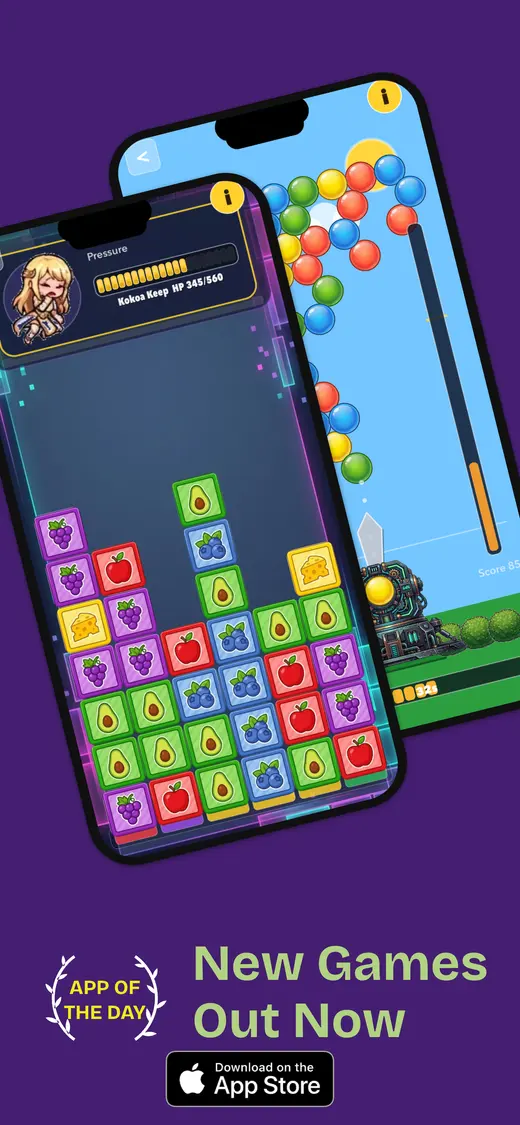
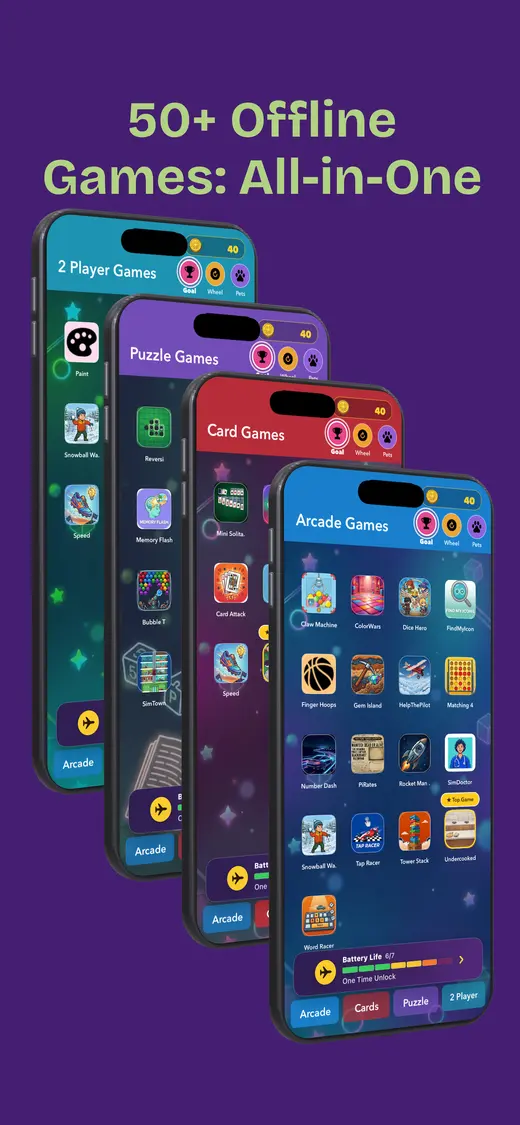
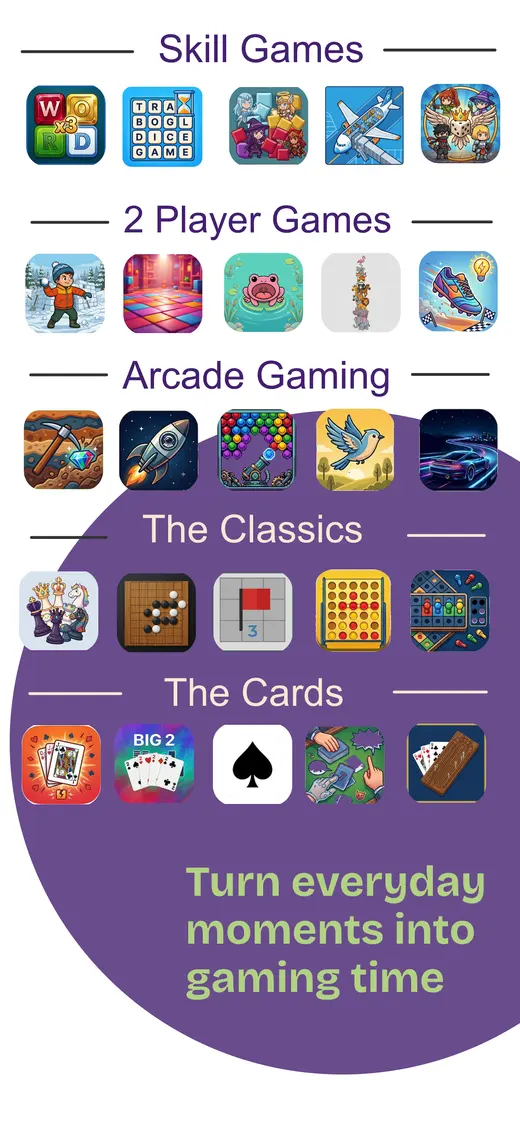
A grab bag of quick classics. Our app includes card games, reflex challenges, puzzles, trivia, memory games, and pass-and-play rounds. It is the useful choice when the group cannot agree on one genre. The App Store listing currently says it has no ads and works without an internet connection after installation. It is 112.1 MB and requires iOS 26.5 or later, so download and test it before you travel.
Session: 2–20 minutes · Cost: Free; optional purchases
ARAIGS Arcade Box ↗
Snake, brick breaker, and board classics. This compact collection is unusually clear about its promise: Snake, Brick Breaker, Tic-Tac-Toe, and Four-in-a-Row, with local high scores and no internet required. The App Store listing says it is ad-free and 31.4 MB. It is a good fit for a child or adult who wants familiar rules rather than a giant catalogue.
Session: 2–15 minutes · Cost: Free
Pocket Arcade ↗
A larger modern retro cabinet. Pocket Arcade mixes arcade, pinball, shooters, puzzle, racing, and board games, with four games free forever according to its listing. It also supports controllers and iCloud/Game Center features. Treat the core games as the offline test and the cross-device features as connected extras.
Session: 3–30 minutes · Cost: Free; optional purchases
Crossy Road ↗
A Frogger-shaped score chase. Guide a tiny character through traffic, logs, and the inevitable moment when patience leaves the building. The old-school appeal is immediate, but ads and connected rewards mean you should test a fresh run with data disabled.
Session: 2–10 minutes · Cost: Free; optional purchases
Alto’s Odyssey ↗
One-handed arcade flow. Simple taps, a scrolling landscape, and short attempts make this a strong travel arcade game. It feels modern, but the restart-and-improve loop is pure coin-op thinking. Offline play should be checked after a clean launch.
Session: 3–15 minutes · Cost: Free; optional purchases
Mini Metro ↗
A score-chasing strategy puzzle. The stations multiply, the lines tangle, and the next decision arrives before the last one has emotionally recovered. Normal and Endless modes are the useful offline candidates; daily challenges and leaderboards may need a connection.
Session: 10–30 minutes · Cost: Paid once
Mini Games Offline ↗
A lightweight mini-game cabinet. The listing describes 11 mini games, including a snake game, trail challenge, cannon physics, puzzles, and number games. It is designed for airplane mode and small storage budgets, but free collections can change through updates, so retest after installing.
Session: 2–15 minutes · Cost: Free
Fruit Ninja Classic+ ↗
Swipe-based arcade muscle memory. Fruit Ninja turns one gesture into a score chase: slice, miss a bomb, start again. The Apple Arcade version avoids the usual ad interruptions and is designed for offline play after download, but the subscription and device requirements still apply.
Session: 3–15 minutes · Cost: Apple Arcade subscription
Our app · iPhone · Age rating 9+
Classic-feeling variety in one download
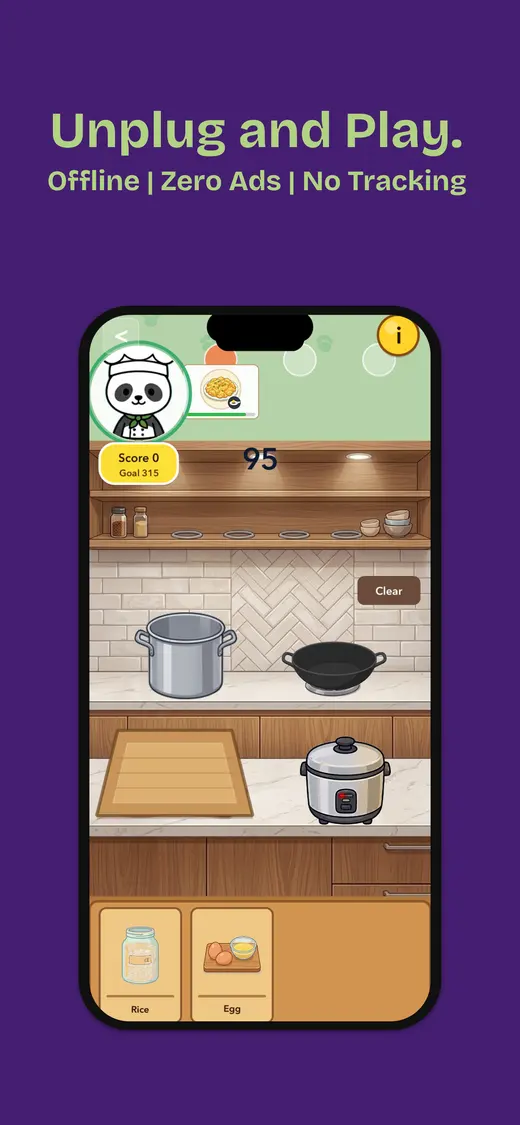
Fun Games for Flights is our app, made for flights, airports, road trips, and waiting rooms. It includes reflex challenges, card games, puzzles, trivia, memory, and pass-and-play games. The current App Store listing says it has no ads, needs no internet after installation, and collects no data.
- Works offline after installation
- No ads
- Solo and shared games
- Data not collected according to the listing

Five minutes before departure
Run the offline arcade test
- Finish every download. Install updates, content packs, and sign-ins on reliable Wi-Fi.
- Open the exact mode. A solo run may work while leaderboards, daily challenges, and cloud saves do not.
- Disable Wi-Fi and cellular data. Airplane mode is the quickest check.
- Force-quit and reopen. A cold launch exposes hidden connection checks.
- Play and save. Complete a round and confirm local progress returns.
- Check the hands. Increase text size or bring a controller if touch targets feel cramped.
People also ask
Old school arcade games FAQ
Quick answers before the next high score.What are the best old school arcade games on iPhone?
Good picks include Fun Games for Flights, ARAIGS Arcade Box, Pocket Arcade, Crossy Road, Alto’s Odyssey, Mini Metro, Mini Games Offline, and Fruit Ninja Classic+. Choose by whether you want faithful classics, a variety pack, a one-handed score chase, or a deeper strategy loop.
Can old school arcade games work offline?
Many can, but leaderboards, daily challenges, cloud saves, ad calls, and account checks may still need a connection. Download the game, open the exact mode, disable Wi-Fi and cellular data, then force-quit and reopen it before travelling.
Are old school arcade games free on iPhone?
Some are free with optional purchases, some are paid once, and some are included with Apple Arcade. A free download can still contain ads or connected rewards, so check the current App Store listing.
What is the best arcade game for a short flight or queue?
ARAIGS Arcade Box, Crossy Road, Alto’s Odyssey, and Fun Games for Flights are good short-session choices. They start quickly and do not require a long save file to feel satisfying.
Do I need a controller for retro arcade games on iPhone?
No. Touch controls work for many games, but a controller can make precise platforming, shooters, and pinball more comfortable. Test the controls you plan to use before leaving home.
One more round