Local iPhone play• 9 min read
7 offline multiplayer games iOS players can use
Same-phone, pass-and-play, Bluetooth, and local-network games for when the group is together and the internet is not.

The short answer
For offline multiplayer games on iOS, start with Fun Games for Flights, our own app, when one iPhone needs to cover solo, two-player, and group play. For two separate phones, Blue Duel and DUAL! use Bluetooth. For one shared screen, 2 Player Games: The Challenge and BADLAND are the better fit. For slower turns, use The Battle of Polytopia.
“Offline multiplayer” sounds precise until two people are staring at two phones with no idea whether the app needs a router, an account, or both.
The useful distinction is simple: same-screen means people share one device at once; pass-and-play means they take turns on it; and local wireless means each person needs a device connected by Bluetooth or a nearby network. This guide separates those options so a download does not become the day's least entertaining group activity.
Store listings and compatibility can change, so the app details below were checked against their current App Store pages. For one-phone party ideas, see our pass-and-play iPhone games guide. For solo backups, see no WiFi games for iPhone and our offline games for long flights.
App Store picks
Seven games for nearby players
Fun Games for Flights first, then picks clearly labelled by the hardware and local connection they need.One iPhone for a mix of game types · Solo, two-player turns, and group play · Free; optional purchases
Fun Games for Flights ↗
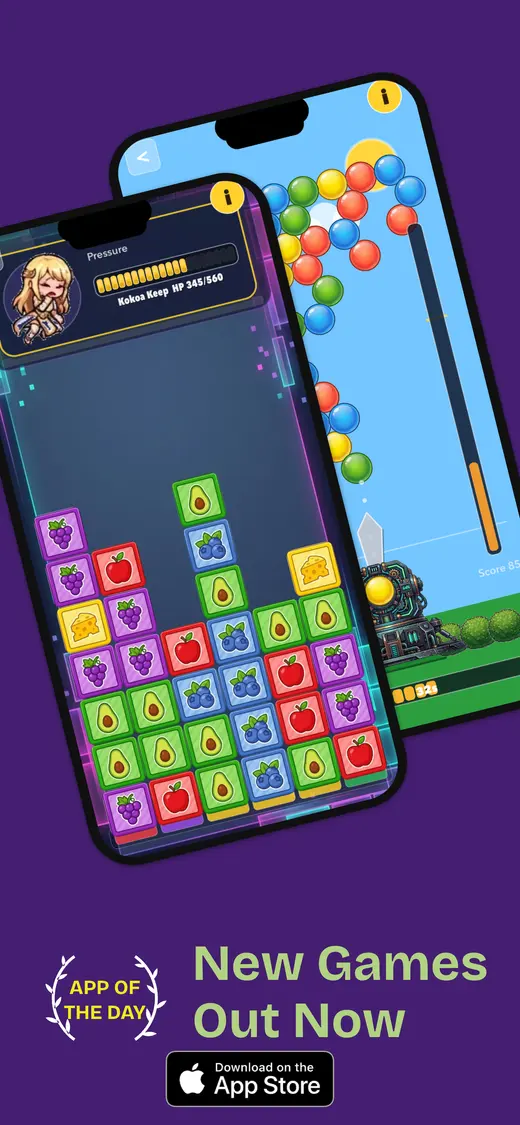
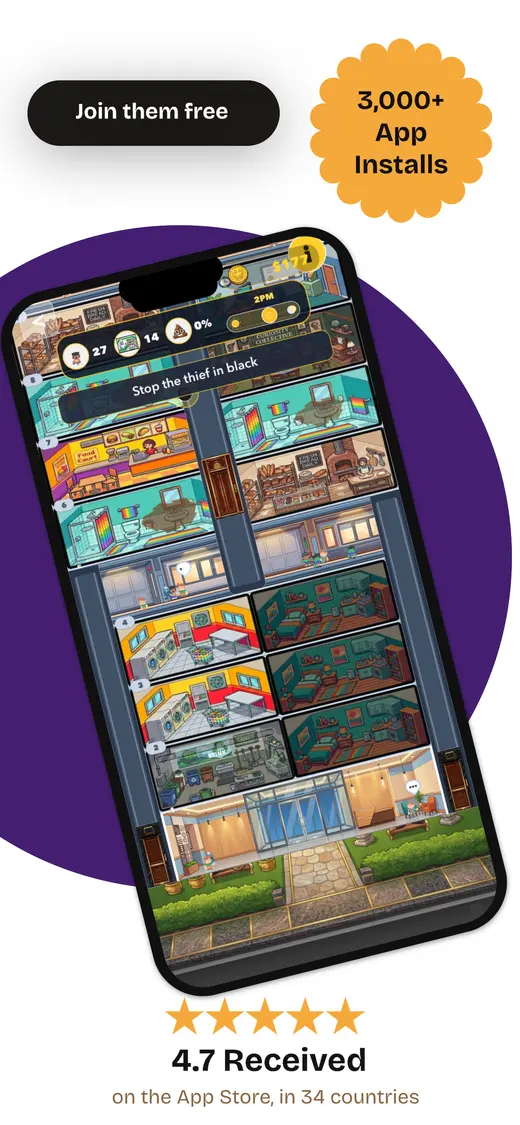
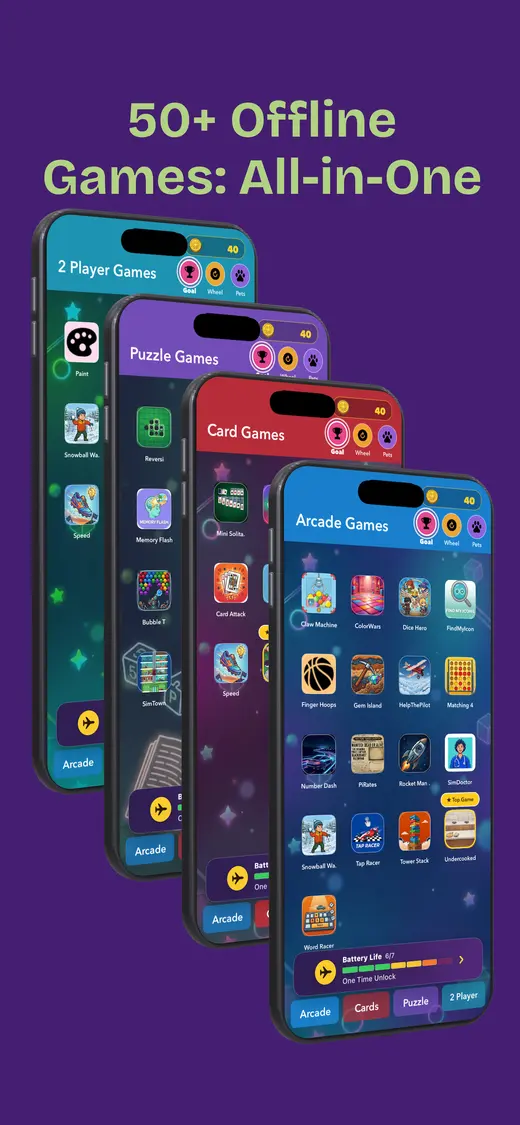
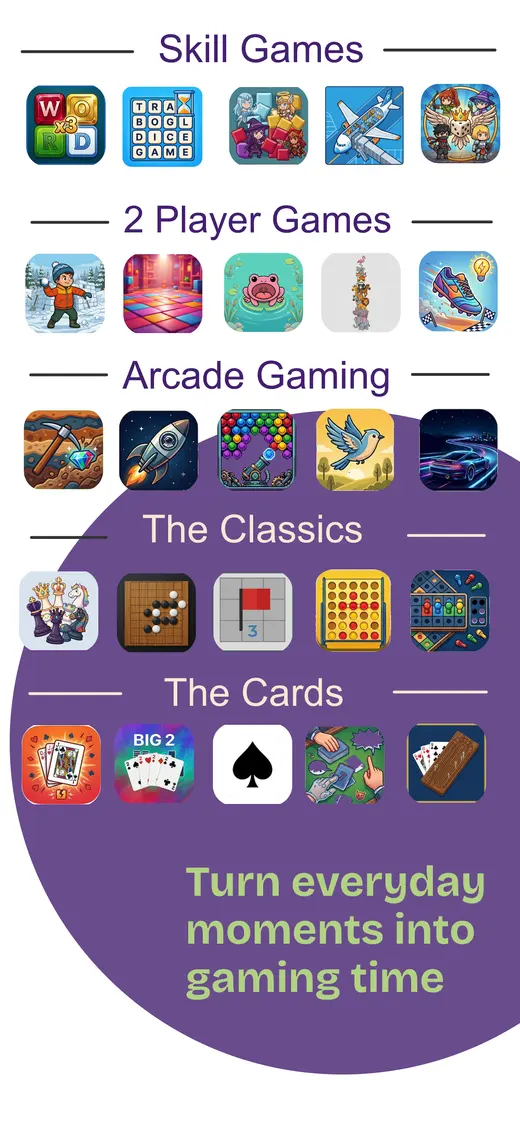
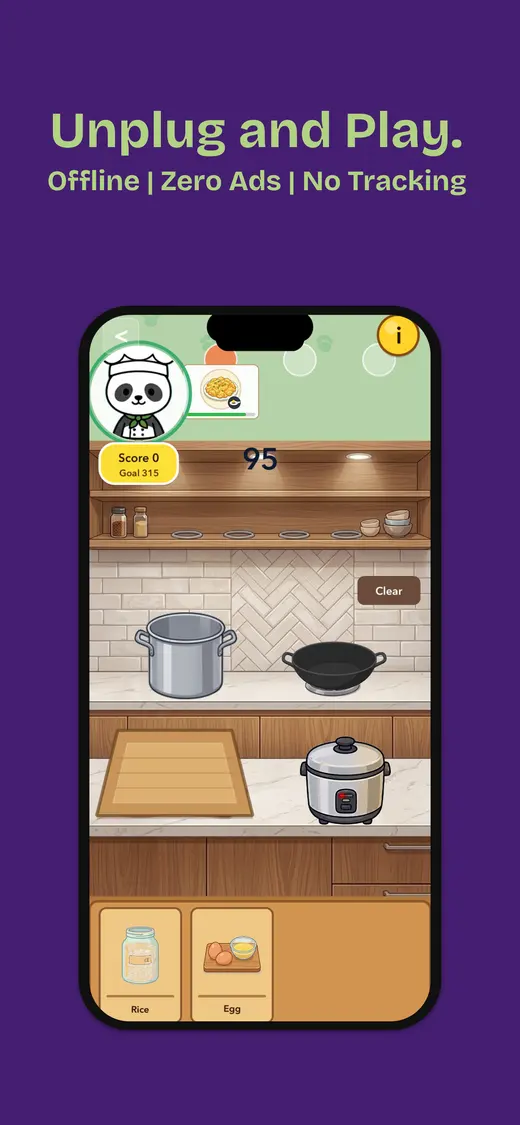
Our app is the useful first download when the group does not agree on a single game. It has card games, word games, number puzzles, trivia, memory tests, reflex challenges, pass-and-play party games, and family-friendly mini games in one library. The current App Store listing says no internet is needed after installation and describes solo, two-player, and group play. It is designed for iPhone and is free with optional in-app purchases. Download it before the trip; the full screenshot showcase is below.
Two phones with Bluetooth, or one phone to share · Bluetooth battle, pass-and-play, or solo · Free; optional purchases
Blue Duel ↗
Blue Duel is the clearest fit when two people have separate phones but no usable network. Its App Store listing describes ten board and card games, Bluetooth Low Energy pairing, and no Wi-Fi or cellular requirement for its Bluetooth mode. It also has pass-and-play on one device and solo play against an AI. The listing says Bluetooth Battle uses tickets, while pass-and-play and solo Klondike do not; review the current purchase and advertising details before installing.
Instant same-screen competition · One to four people on one device · Free; optional purchases
2 Player Games: The Challenge ↗
This is the noisy little arcade choice: ping-pong, air hockey, racing, and other quick mini games, with players controlling opposite sides of one screen. Its current App Store listing says one, two, three, or four people can play online or offline. A larger iPad is the comfortable option for three or four players; an iPhone becomes a small treaty negotiation after the second rematch.
Two devices trading shots across their screens · Local Wi-Fi or Bluetooth · Free start; one-time unlock
DUAL! ↗
DUAL! turns two nearby devices into opposite ends of the same arcade arena. The App Store listing says players battle locally over Wi-Fi or Bluetooth and offers DUEL, DEFEND, and DEFLECT modes. It is a proper two-device game rather than pass-and-play, so install it on both phones and test the exact local connection method you will use. The listing notes a one-time in-app purchase for the full game.
A cooperative game that gets everyone talking · Two to eight devices on local Wi-Fi or Bluetooth · Free; optional purchases
Spaceteam ↗
Spaceteam gives each player a different set of absurd controls and asks the group to shout instructions before the shared ship falls apart. Its App Store listing describes two to eight players connected over Wi-Fi or Bluetooth. That makes it better for a family waiting area than a quiet carriage. It is not one-phone play, and local setup should be checked before travelling rather than during a crisis involving a malfunctioning Quantum Flange.
One iPad for co-op or versus · Up to four players on one device · Paid upfront
BADLAND ↗
BADLAND is for people who want action but only have one screen. The App Store listing describes a local multiplayer mode supporting up to four players on one device, with co-op and versus play. It is much more comfortable on iPad than a phone. The store page does not make a blanket offline promise, so download it, open local multiplayer, close the app, and test that mode with Wi-Fi and cellular data disabled.
Slower turns and one-device strategy · Solo and pass-and-play · Free; optional purchases
The Battle of Polytopia ↗
Polytopia compresses map exploration, research, building, and battles into turns that can be handed between two people. Its App Store listing explicitly says it can be played offline and includes Pass & Play. Online matchmaking, leaderboards, cloud features, and buying extra tribes are separate connected features. Start a local game at home before travel, then use that saved match as the no-signal backup.
Pick the setup first
Three ways to play together without internet
“Local multiplayer” is a family of setups, not a promise that every player needs only one phone.Same screen
Everyone touches one phone or iPad at the same time. It is immediate and social, but an iPad saves the group from competing for each corner of an iPhone.
Pass-and-play
One person takes a turn, then hands over the device. It suits boards, cards, trivia, and turn-based games because there is a natural pause between players.
Bluetooth or local Wi-Fi
Each player has a device. Bluetooth can work in airplane mode once it is turned back on; a local Wi-Fi network may work without internet, but it still needs setup.
Online is separate
Leaderboards, accounts, cloud saves, and matchmaking can be connected extras. They do not tell you whether the local game itself will work when the signal disappears.
Our first pick · Free on iPhone
Fun Games for Flights gives one phone more than one job.
We made Fun Games for Flights because travel downtime changes its mind. A quiet card game can become a two-player round, then a group challenge, without asking everyone to find another app or a usable connection.
The current App Store listing says the app works offline after installation and groups card, word, number, trivia, memory, reflex, party, and family-friendly mini games in one place. That is the point of the collection: an actual choice when the usual plan has stopped being fun.
- Works offline after installation
- Solo, two-player, and group games
- Card, word, puzzle, trivia, memory, and reflex play
- One iPhone library for travel and waiting

Test before travel
How to verify an offline multiplayer game
- Install every copy. Bluetooth and local-network games need the app on each player's device, not just the host's.
- Open the intended mode. Download optional packs, create a local match, and make sure both people know where the mode lives.
- Disable the internet. Turn on airplane mode. Re-enable Bluetooth only when the game requires it; do not rely on the plane's Wi-Fi.
- Force-quit and reopen. This catches first-launch checks and content that only arrived while connected.
- Finish one full round. Pair the devices, swap turns if needed, save, and reopen the match.
- Bring the right hardware. Charge each phone, pack a permitted power bank, and save same-screen games for an iPad when the group is larger.
People also ask
Offline multiplayer games iOS FAQ
Short answers before you decide how many phones the group actually needs.What counts as an offline multiplayer game on iOS?
It can mean several different things: people taking turns on one device, multiple players touching one screen, or separate phones paired locally by Bluetooth or a local Wi-Fi network. The label alone does not tell you which setup an app uses.
Can Bluetooth games work in airplane mode?
Often, yes, if the app explicitly supports Bluetooth local play and Bluetooth is turned back on after airplane mode. Install the app on every device first, enable airplane mode, turn Bluetooth on, then complete a real match before depending on it.
Do local Wi-Fi games need internet access?
Not necessarily. A game may use a local network or a personal hotspot to connect nearby devices without reaching the internet. But apps vary, so test the exact local mode with cellular data and internet Wi-Fi unavailable.
What is best when only one iPhone is available?
Choose a same-screen or pass-and-play game. Fun Games for Flights, 2 Player Games: The Challenge, BADLAND, and The Battle of Polytopia all offer a way to share one device, although player counts and exact modes differ.
Why does an offline game still need an airplane-mode test?
A download can hide a first-launch check, optional content, account sign-in, ad request, licence check, or cloud save. Open the intended mode, disable Wi-Fi and cellular data, force-quit the app, reopen it, and finish one round.
Nearby players. No signal.