Business travel• 10 min read
8 airplane mode games for business trips
Quiet iPhone games for the gap between closing the laptop and opening it again somewhere less convenient.

The short answer
The best airplane mode games for business trips are our Fun Games for Flights app, Threes!, Mini Metro, Monument Valley 2, The Battle of Polytopia, 80 Days, Slay the Spire, and Pocket City 2. Carry one quick puzzle and one deeper game, then test both without Wi-Fi before leaving.
A business-trip game should fill dead time without creating a second job.
General flight lists favour the largest games and the longest possible sessions. That makes sense for a holiday. Work travel is messier: a five-minute security queue, a boarding delay with no reliable end, a one-hour flight, then a phone that still needs to display directions and authenticate a login after landing.
My strong opinion is that interruption tolerance matters more than advertised playtime. A game that loses progress when the cabin crew speaks is not deep; it is needy. These eight choices are quiet, solo-friendly, and easy to pause, with the price, storage, and offline caveat shown before you download.
Choose for the trip
What makes an airplane mode game work for business travel?
The best choice respects your attention, battery, storage, and the fact that every delay eventually ends.Pauses cleanly
Boarding calls, turbulence, meal service, and a client message should not cost a run. Turn-based play and reliable autosave beat games that punish interruptions.
Works quietly
A useful travel game reads well without sound and does not need frantic tapping. Headphones can stay packed when the cabin is already supplying enough noise.
Fits the gap
A three-minute queue and a ninety-minute flight are different jobs. Carry one quick puzzle and one deeper game rather than expecting either to do everything.
Protects the phone
Leave storage, heat, and battery for boarding passes, maps, calls, and authentication after landing. The work phone has responsibilities.
Compare the trade-offs
Airplane mode games at a glance
Canadian App Store details checked Sept. 3, 2026. Prices, sizes, and features can change.Eight real iPhone games
The best airplane mode games for business trips
Offline claims apply to the mode described. Connected extras still need a connection.Fun Games for Flights ↗
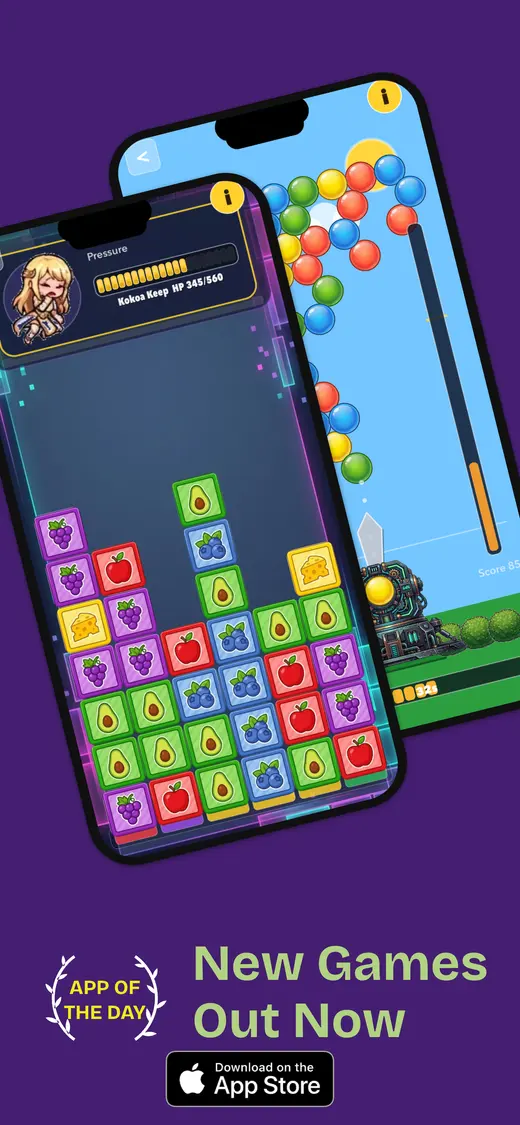
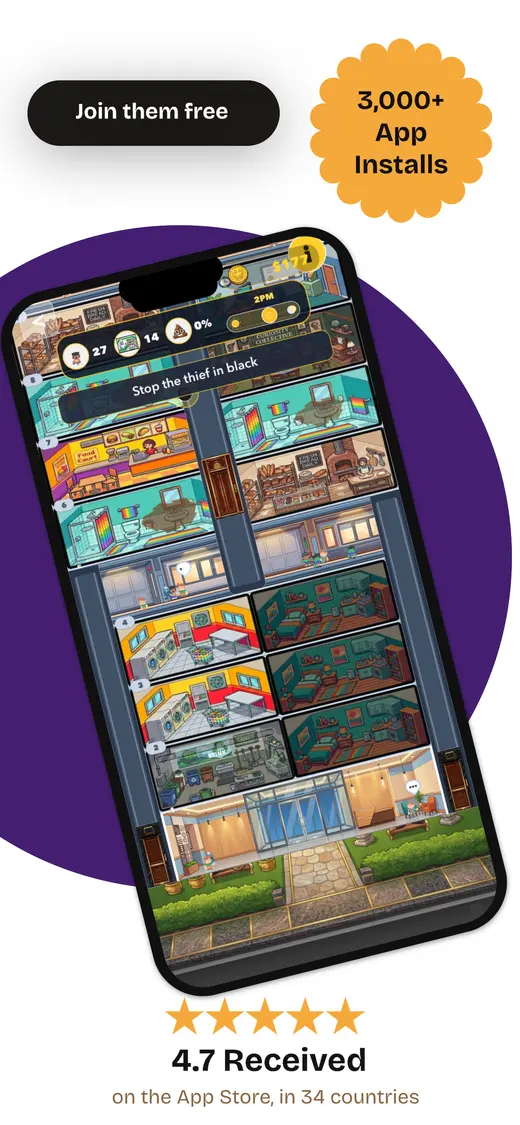
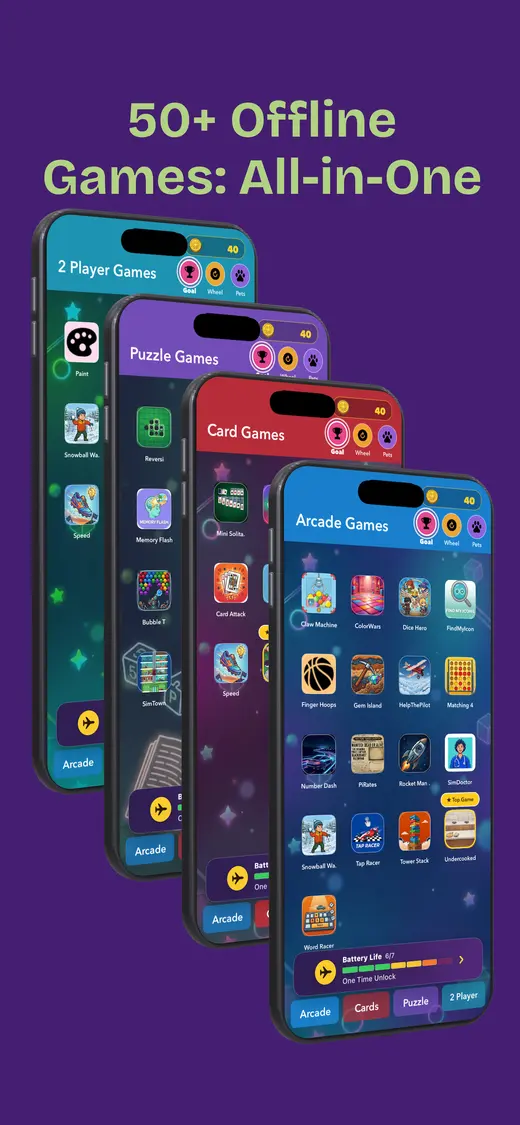
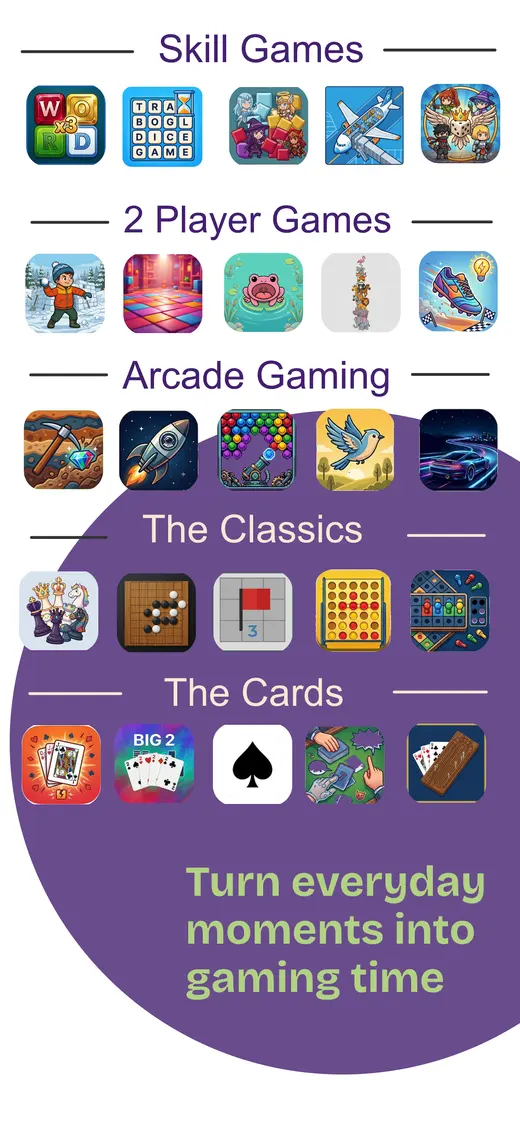
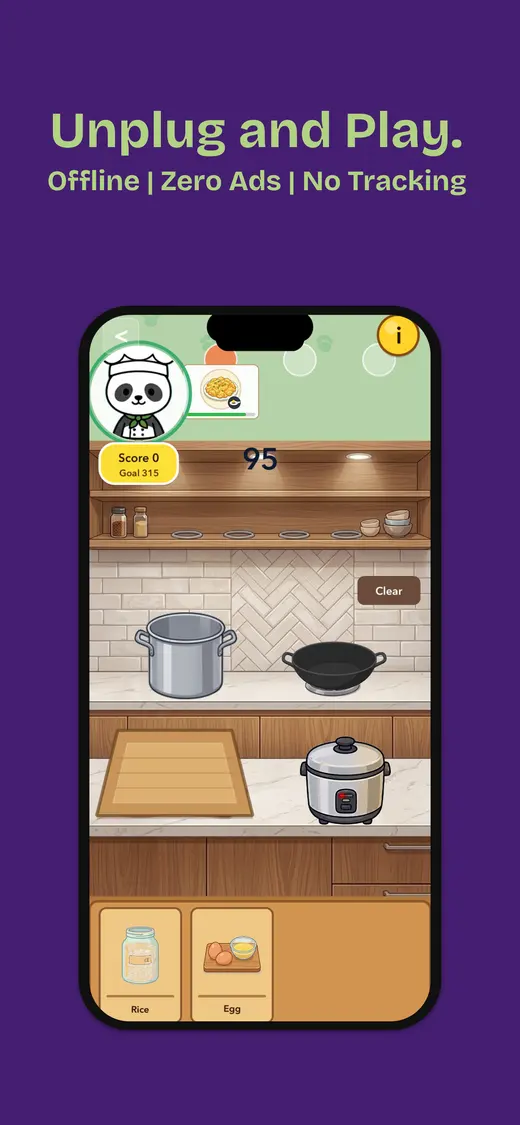
One app for changing moods and trip lengths. Our app combines card games, word games, number puzzles, memory challenges, reflex games, and pass-and-play rounds in one download. That range is useful on a business trip: choose a two-minute distraction before boarding, then a longer solo game once the laptop is packed away. It is a single-player app with some two-player and group modes. The current Canadian listing says it needs no internet after installation, contains no ads, and shows no data collected. It is iPhone-only and requires iOS 26.5 or later, so older work phones need another option. The download is free with optional in-app purchases.
Session: 2–30 minutes · Price: Free; optional purchases · Download: 102.4 MB
Threes! ↗
One-handed play in queues and boarding areas. Threes! turns four-direction swipes into a compact number puzzle that becomes much more strategic than its tiny board suggests. A run can stop whenever the gate agent calls your group, and the portrait layout makes it comfortable when one hand is holding a coffee or carry-on. This is the buy-once version: one player, no in-app purchases, and no data collected according to the Canadian listing. The store page does not explicitly promise offline play, so install it, close it fully, and test a new run in airplane mode before relying on it.
Session: 3–15 minutes · Price: $7.99 once · Download: 77.5 MB
Mini Metro ↗
Calm systems thinking without business email. Mini Metro asks one player to draw an efficient transit map as stations appear and passenger demand grows. Normal mode offers a tidy challenge, while Endless mode removes the failure pressure after a difficult day. It works without sound and saves enough visual fuss for the terminal departure board. The paid Canadian version has no listed in-app purchases and supports iPhone and iPad. Daily Challenge and global scoring need a connection; the listing does not clearly guarantee every other mode offline. Test Normal or Endless mode specifically, not the connected daily feature.
Session: 10–30 minutes · Price: $4.99 once · Download: 187.4 MB
Monument Valley 2 ↗
A quiet reset after meetings. Monument Valley 2 is a single-player sequence of optical-illusion puzzles with no timer and no need to keep a spreadsheet of upgrades. Each chapter is short enough for a lounge wait, and the touch controls do not demand a controller or much tray-table space. The current Canadian listing supports iPhone and iPad, charges once, and lists no in-app purchases. It does not explicitly advertise offline play. Finish the installation, open the first chapter online, then force-quit and reopen it with Wi-Fi and cellular access disabled.
Session: 10–25 minutes · Price: $4.99 once · Download: 341.3 MB
The Battle of Polytopia ↗
Turn-based strategy on a longer flight. Polytopia compresses the shape of a civilization game into short, turn-based matches. The solo mode lets one player build, explore, research, and fight computer-controlled tribes without rushing. Its Canadian listing explicitly says it can be played offline and is suitable for travel. Online multiplayer, leaderboards, purchases, and cloud features still need a connection. The base download is free, with optional tribes sold separately. Start the exact solo map you want during your test; purchasing a tribe at cruising altitude is not a plan.
Session: 15–45 minutes · Price: Free; optional tribe purchases · Download: 224.7 MB
80 Days ↗
Reading through a long delay or overnight flight. 80 Days turns Jules Verne's trip around the world into a branching single-player story. You choose routes, manage money and luggage, and read the consequences. It suits a traveller who wants a narrative rather than flashing rewards after every tap, though its small text deserves a trial on your actual phone. The Canadian listing calls it a complete experience with no in-app purchases and supports iPhone and iPad. Offline support is not stated clearly on the page, and Game Center features are connected, so begin a journey and test several choices in airplane mode before departure.
Session: 20–60 minutes · Price: $6.99 once · Download: 193.4 MB
Slay the Spire ↗
Deep play when the flight becomes the free evening. Slay the Spire is a one-player deck-building game where each run creates a different route, card collection, and set of decisions. Battles are turn-based, so an announcement or meal service does not ruin the round. It is the largest download here by some distance, but it offers far more depth than a five-minute puzzle. The Canadian listing shows a one-time price and no data collected. It does not explicitly certify offline play, so open the game once, start a run, save it, and confirm that the save reloads in airplane mode.
Session: 20–90 minutes · Price: $12.99 once · Download: 932.8 MB
Pocket City 2 ↗
A creative project across repeated work trips. Pocket City 2 gives one player a city to build, manage, and explore in portrait or landscape orientation. There are no microtransactions or construction timers, which makes progress feel like play rather than an appointment. Real-time collaboration and rival-town features require a connection, and the Canadian listing does not make a blanket offline promise for the solo city. Buy-once pricing still makes the arrangement easy to understand. Create a local city, close the app, and verify that it loads without Wi-Fi before the trip.
Session: 15–45 minutes · Price: $6.99 once · Download: 319.3 MB
Our app · iPhone · Store rating 9+
Several offline games. One travel folder icon.
We built Fun Games for Flights for the moments that refuse to fit a schedule: a short wait, a longer flight, or a delay whose estimated departure keeps developing a personality. It includes solo games, two-player turns, and group play with no advertising or internet requirement after installation. The Canadian listing currently shows a 102.4 MB free download with optional in-app purchases and no data collected.
- Works offline after installation
- No ads
- Solo and shared games
- No data collected
Five minutes per game
Test iPhone games in airplane mode before the trip
- Install on reliable Wi-Fi. Finish tutorials, purchases, sign-ins, and additional downloads before packing.
- Open the mode you will use. Solo campaigns may work while daily challenges, cloud saves, and multiplayer do not.
- Enable airplane mode. Check that Wi-Fi is off too; iPhone can remember that you previously turned it back on.
- Force-quit and reopen. Starting from a cold launch catches hidden sign-in and licence checks.
- Play through a save point. Finish one round, close the app, and confirm the local progress returns.
- Protect the arrival battery. Lower brightness, use Low Power Mode, and save enough charge for maps, messages, and boarding passes.
- Repeat after updates. Offline behaviour, download size, and connected features can change with a new version.
People also ask
Business-trip airplane mode games FAQ
Quick answers before the boarding pass changes gates again.What are the best airplane mode games for business trips?
Fun Games for Flights is our flexible all-in-one choice; Threes! works for short queues; Mini Metro and Monument Valley 2 suit quiet breaks; Polytopia, 80 Days, Slay the Spire, and Pocket City 2 offer longer solo sessions. Download and test the exact mode before leaving.
Will iPhone games work when airplane mode is on?
Only if the game stores its required files locally and does not demand a login, licence check, server response, or additional download. Install it, enable airplane mode, confirm Wi-Fi is off, force-quit the game, reopen it, and complete a real round.
Do I need to keep Wi-Fi off while playing on a plane?
Follow the airline's instructions. Airplane mode initially disables cellular service and Wi-Fi, but iPhone can let you turn Wi-Fi back on when the airline permits it. A genuinely offline game should not need the connection.
Which offline game is best for a short business flight?
Threes! is the easiest quick pick because it uses portrait controls and a run can stop at any moment. Mini Metro and Monument Valley 2 are better when you have at least ten quiet minutes.
How do I save iPhone battery on a business trip?
Start with a charged phone, reduce display brightness, use Low Power Mode, and choose a modest 2D game over a graphically demanding one. Stop if the device becomes hot, and keep a permitted power bank in carry-on baggage.
Can I play Apple Arcade games offline on a flight?
Many downloaded Apple Arcade games can work offline, but access may still need periodic subscription verification and individual games can depend on connected features. Open the chosen title before travel and repeat the full airplane-mode test.
Quiet games for the unscheduled hour