Family road trips• 11 min read
8 offline mini games for kids on road trips
Real iPhone and iPad games, sorted by age and checked for price, ads, downloads, and whether they work without Wi-Fi.

The short answer
The best offline mini games for kids on road trips match the child’s age and still open after the connection disappears. For this trip, start with Sound Memo for preschoolers, Endless Alphabet for children aged 3–5, Khan Academy Kids for a large free library, or our Fun Games for Flights collection when siblings want solo and shared games on one iPhone. Whichever game you choose, download its content at home and finish a round in airplane mode before the car leaves.
Choose a few short games your child can actually open and enjoy, rather than hoping one app carries the whole drive.
The current search results get one thing right: sort choices by age. A three-year-old matching sounds and a ten-year-old trading turns on a word game do not need the same screen. This guide goes one step further by showing the price model, ads, supported devices, and exact offline preparation for each real iOS app.
My strong opinion is simple: an honest paid game is better than a “free” one designed to steer a child toward ads or surprise purchases. The game still has to be fun, but the parent should understand the deal before the back seat becomes customer support.
Choose before downloading
What makes a road-trip game work for a child?
Age ratings are a starting point. Reading level, frustration, motion, and the business model matter too.Short
Five- to fifteen-minute rounds stop cleanly for food, petrol, scenery, and the urgent bathroom request announced three exits late.
Readable
Large targets, clear pictures, spoken prompts, and little required reading help younger children play without constant front-seat help.
Honest
Check the price, advertising, privacy label, outside links, and purchase controls before a child opens the game.
Actually offline
A listing is not a test. Download the content, disable every connection, restart the app, and complete one real round.
Compare the catches
Offline kids’ games at a glance
Canadian App Store details checked Sept. 2, 2026. Prices and features can change.Eight real downloads
The best offline mini games for kids on road trips
Fun Games for Flights ↗
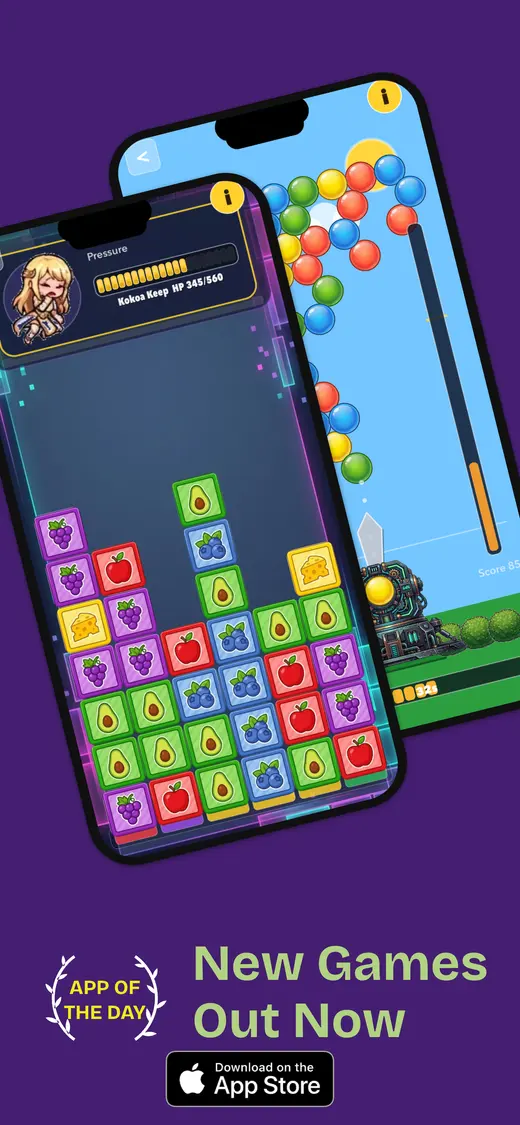
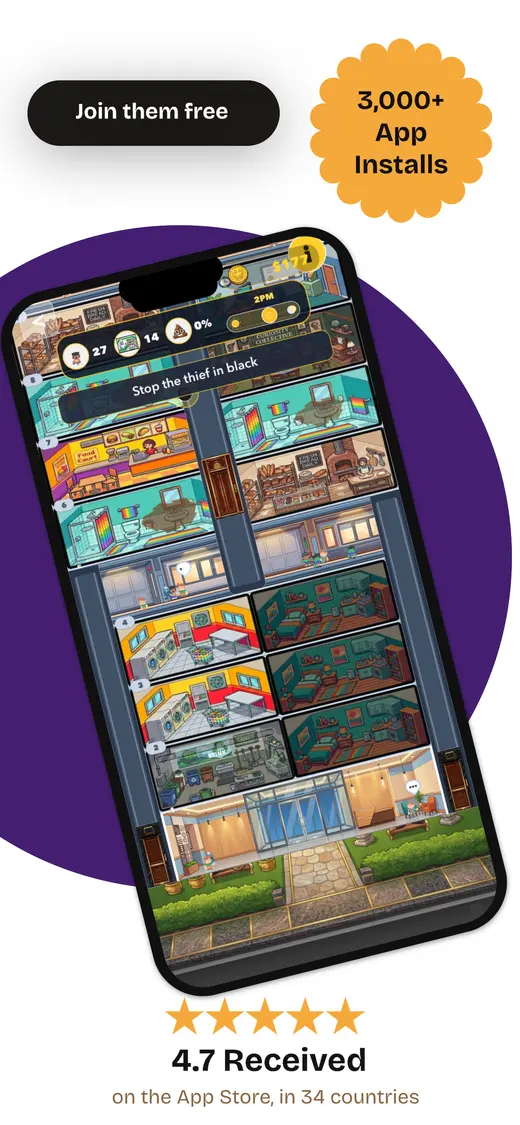
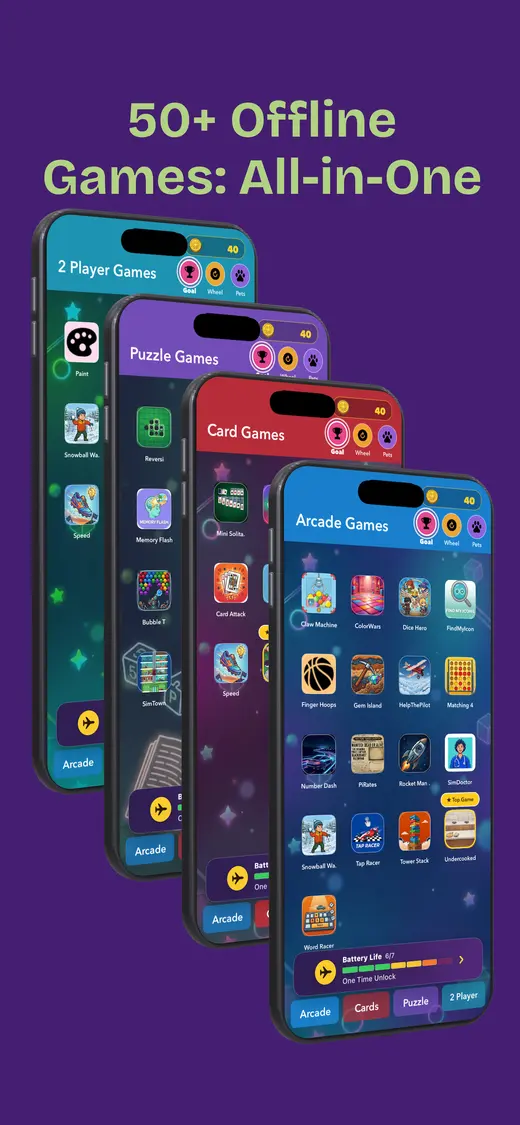
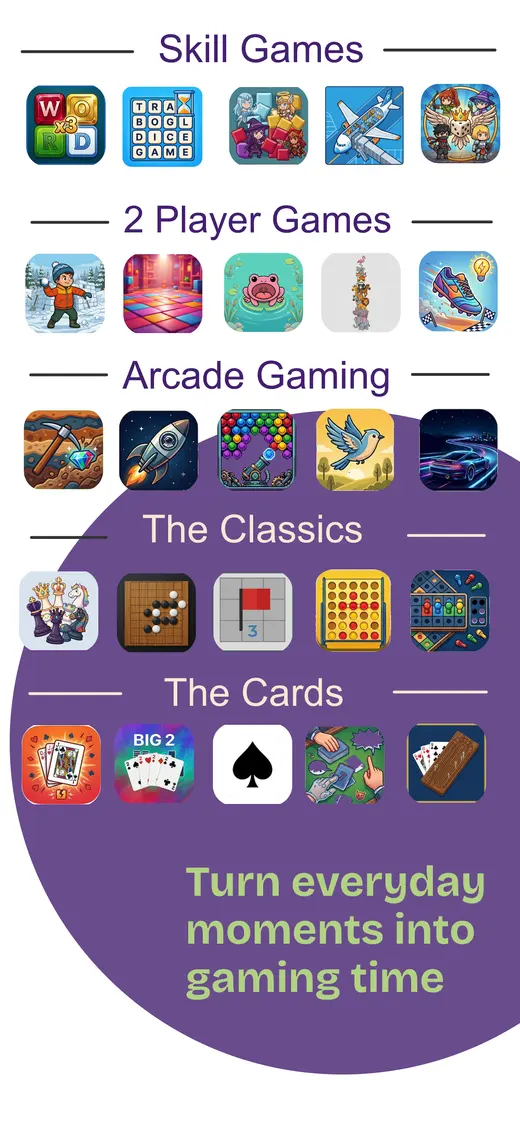
Families with younger kids and older siblings. Our app puts card games, word games, number puzzles, trivia, memory challenges, reflex games, and pass-and-play rounds in one download. Children can switch from solo play to two-player turns without filling a phone with separate apps. It can be a good fit for children aged 3–5 when a parent chooses a simple game and plays alongside them; older siblings can take turns or choose a different game in the same app. The current Canadian listing is rated 9+, which remains the official store guidance, and says the app works without internet after installation and shows no data collected. It is free to download with optional in-app purchases. The practical catch is device support: this is currently an iPhone app, not an iPad app. Open the games you want before leaving, then run the test below.
Devices: iPhone · Cost: Free; optional purchases · Ads: No ads · Offline: Yes, after installation
Sound Memo: Kids Sound Game ↗
Preschool listening and matching. Sound Memo plays a real-world sound, then asks the child to find the matching picture. Boards can contain four, nine, or 16 cards, so a younger player can begin without a crowded screen. There is no timer pressure or fail state, and the clock can be hidden. Its Canadian listing says the game works completely offline and has no advertising, in-app purchases, analytics, accounts, or outside links. That unusually short list of catches makes it a calm first choice for a preschooler who enjoys matching more than frantic tapping.
Devices: iPhone and iPad · Cost: Free · Ads: No ads or purchases · Offline: Yes
Work It Out Wombats Family App ↗
Ages 4+ who like stories and activities. This PBS KIDS companion combines 12 animated stories and songs with 24 guided, hands-on activities about problem-solving. It works best when an adult or older sibling can help with the activity prompts, which makes it more social than a silent back-seat distraction. The listing promises no internet requirement after installation, no advertising, and no in-app purchases. It is currently iPhone-only and roughly 163 MB, so it needs space and a full first launch at home. Save the photo-based activities for a stop rather than asking a child to handle loose objects while the car moves.
Devices: iPhone · Cost: Free · Ads: No ads or purchases · Offline: Yes, after installation
Endless Alphabet ↗
Ages 3–5 learning letters and words. Each word becomes a small letter puzzle followed by an animation that explains its meaning. There are 100 words, no high scores, no failures, and no time limit, which suits a child who would rather explore than race. The upfront Canadian price is $11.99 and Family Sharing is supported. The important road-trip note is printed in the listing: the first run needs internet and enough storage to download every word. Install it well before departure, wait for that download to finish, and reopen several words in airplane mode. The game is made for ages 0–5, although Apple displays a 4+ store rating.
Devices: iPhone and iPad · Cost: $11.99 once · Ads: No ads listed · Offline: First download needs internet
Khan Academy Kids ↗
Ages 2–8 wanting variety. Khan Academy Kids covers reading, phonics, counting, shapes, puzzles, memory, books, and videos in a library of more than 5,000 activities. It is free without advertising or a subscription. That breadth is useful on a long drive, but the whole library is not automatically stored on the device. Use the app's download controls to save the books and games your child actually wants. Then disable Wi-Fi, close the app, and confirm those exact activities reopen. A smaller, tested selection beats discovering at kilometre 200 that the favourite story still lives on a server.
Devices: iPhone and iPad · Cost: Free · Ads: No ads or subscription · Offline: Download chosen activities
PBS KIDS Games ↗
Preschool and early elementary favourites. PBS KIDS Games currently offers more than 280 educational games built around familiar programmes, with English and Spanish options. The app itself is free. Children can choose a few favourites to download for offline play rather than carrying the entire catalogue. That choice should happen on Wi-Fi with an adult nearby, because a character picture is more useful to a child than a parent's carefully colour-coded travel plan. Open each downloaded title once, remove the connection, and check it again. The store rates the app 4+ and supports both iPhone and iPad.
Devices: iPhone and iPad · Cost: Free · Ads: No commercial ads · Offline: Download chosen games
LuLu ZOO Kids Game ↗
Young children who want many small activities. LuLu ZOO is the closest thing here to a compact preschool activity book. Its 130-plus mini games cover animals, shapes, colours, numbers, matching, drawing, and simple puzzles. The current Canadian listing charges $0.99 once and states that there are no ads or in-app purchases. It also promises offline play. The visual style is bright and the activities are short, so this is better for rotating through quick tasks than settling into one long story. It has too few Canadian ratings for a useful average, which is a fair reason to test it with the child before the travel day.
Devices: iPhone and iPad · Cost: $0.99 once · Ads: No ads or purchases · Offline: Yes
Bored Bear: Kids Games Offline ↗
Ages 3–12 with several interests. Bored Bear bundles more than 20 puzzles, racing, animal, colouring, and educational games. Parents can hide titles or filter the library by age, and the listing says the downloaded content works offline without ads or data collection. Read the price model before handing it over: one game remains free, while full access uses a monthly or annual subscription after the trial. The Canadian listing currently shows $2 per month or $20 per year. Because recent version notes mention offline improvements, download the chosen content and test a cold restart in airplane mode instead of treating the word offline as a magic spell.
Devices: iPhone and iPad · Cost: One free game; subscription for all · Ads: No ads · Offline: Yes, after content download
When the screen feels wrong
Four screen-free mini games for the back seat
Keep these as backups for a flat battery, motion sickness, or a child who has simply had enough pixels.Mystery sound
One passenger makes a quiet sound with an object. Everyone else guesses what made it without looking.
Ten-question animal
Choose an animal and allow ten yes-or-no questions. Give younger children a habitat clue to start.
Colour countdown
Find five red things, four blue things, three signs, two bridges, and one object nobody expected.
Story handoff
Each person adds one sentence. Keep turns short enough that the plot survives the next motorway exit.
Our app · iPhone · Store rating 9+
Several offline games without several downloads.
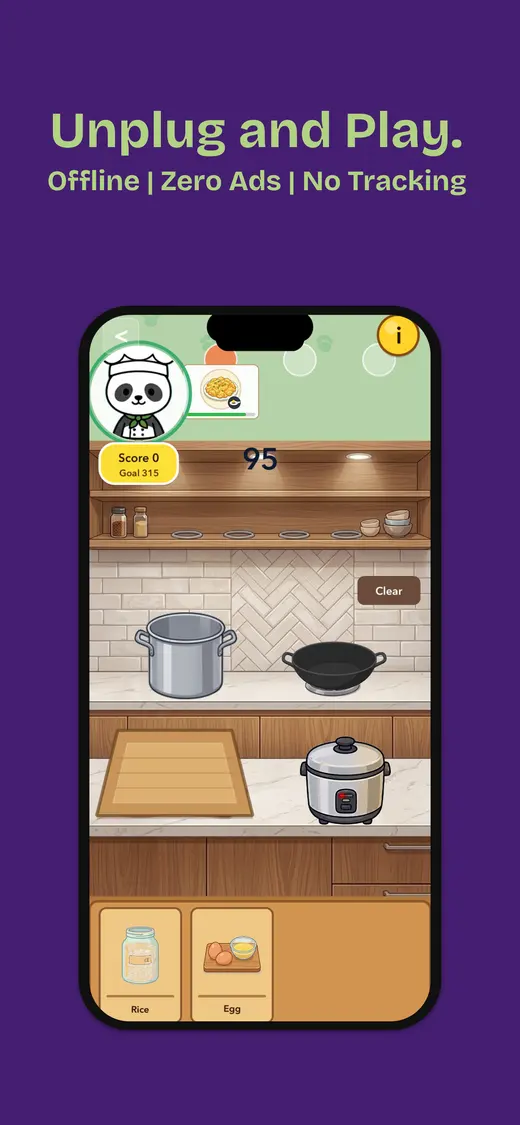
We built Fun Games for Flights for travel, waiting, and family downtime. It combines solo games, two-player turns, and group play without advertising or an internet connection after installation. Younger children aged 3–5 can enjoy simple parent-chosen games in the collection, while older children can move between more game types. The Canadian listing currently shows a free download with optional in-app purchases, an age rating of 9+, and no data collected.
- Works offline after installation
- No ads
- Solo and shared games
- No data collected

Five minutes per app
Test every game before the road trip
- Install on Wi-Fi. Finish the tutorial, sign-in, purchase check, and every optional content download.
- Choose the real favourites. Open the exact levels, books, characters, and two-player modes your children want.
- Enable airplane mode. Confirm Wi-Fi is off too; airplane mode can remember a previously enabled Wi-Fi setting.
- Close and reopen. Remove the app from the recent-app view, reopen it, and finish one complete round.
- Restart the device. Repeat the test after a restart to catch a hidden licence or account check.
- Lock down purchases. Require adult approval and consider Guided Access when lending your own phone.
- Pack the boring backup. Bring a charging cable, permitted power bank, pencil, and one spoken game.
People also ask
Offline games for kids FAQ
Quick answers before the device reaches the back seat.What are the best offline mini games for kids on road trips?
Fun Games for Flights gives families several solo and shared games in one iPhone app. Children aged 3–5 can enjoy simple parent-chosen games in the collection, although the current App Store rating is 9+. Younger children can also try Sound Memo, Work It Out Wombats, Endless Alphabet, Khan Academy Kids, PBS KIDS Games, LuLu ZOO, or Bored Bear. Download content first and test the exact activity in airplane mode.
Do kids' games work without Wi-Fi?
Some do, but installation is not proof. Games may need a first launch, content download, purchase check, or sign-in. Enable airplane mode, turn Wi-Fi off, close the app, reopen it, play a full round, and repeat after restarting the device.
What are good two-player games for kids without internet?
Choose pass-and-play word, card, memory, drawing, or reflex games that clearly hide one player's private information before the handoff. Fun Games for Flights includes two-player turns and group games; our pass-and-play guide compares more shared-device options. Compare 18 pass-and-play games.
How can parents stop accidental purchases during a game?
Use the device's parental controls to require approval for purchases. Guided Access can also keep an iPhone or iPad inside one app, set a time limit, and disable selected buttons or screen areas.
What if a child feels sick while playing in the car?
Stop the screen. Looking down at a close display can worsen motion sickness for some passengers. Switch to an audio or spoken game, encourage the child to look outside, and take a break when it is safe to do so.
Are free offline games safe for children?
Free and safe are separate claims. Check the age rating, privacy label, ads, in-app purchases, outside links, chat, and account requirements. Review the game yourself before the trip and keep a no-screen backup ready.
Games ready before the driveway