Travel privacy · 9 min read• Informative guide
Free travel games that don’t track data
A quiet download is better than a free game that turns the airport queue into a data-collection exercise.
The short answer
Free travel games that don’t track data do exist, but “works offline” is not enough evidence. Check the App Store’s App Privacy label for Data Not Collected, look for an ad-free claim, and test the game in airplane mode before your trip. Apple says its privacy labels are a summary of how apps handle data, while the developer remains responsible for the disclosure.
Privacy and offline play are neighbours, not twins. One describes what an app does with information; the other describes whether it needs a connection.
That distinction matters in a departure lounge. A game that needs no signal may still load an advert when you reconnect. A game with no ads may still collect diagnostics. And a label that says “data not collected” is useful evidence, not a magic certificate from the privacy fairy.
Here is the practical way to think about it before a flight, train journey, or road trip.
Start with the wording
“Doesn’t track data” is narrower than it sounds
Look for the exact disclosure, not just a friendly sentence in the description.People use “tracking” to mean several things. In Apple’s terminology, tracking usually refers to linking app or device data with data from other companies for advertising or measurement. An app can therefore say it does not track you while still collecting information for its own analytics, depending on the label category and purpose.
For a traveller, the most useful first question is simpler: does the game collect anything at all? On the App Store, Apple’s Privacy Nutrition Labels separate Data Used to Track You, Data Linked to You, Data Not Linked to You, and Data Not Collected. Read the categories, then read the purpose attached to any collected data.
“Data Not Collected” is the cleanest signal for a privacy-focused download. It still comes with a footnote: Apple describes the label as developer-provided and says practices can vary with features or age. That is why checking the listing at the moment you install matters more than trusting an old roundup.
Read the label
How to check an iPhone game before you travel
Apple puts the disclosure on the product page, before the download button becomes a tiny act of faith.
Open App Privacy
On the game’s App Store page, scroll past the description and ratings. The label tells you whether the developer reports collection, tracking, or no collection.
Separate collection from tracking
Data Linked to You can be used inside the developer’s own service. Data Used to Track You points to cross-company advertising or measurement. They are related concerns, not interchangeable labels.
Check the privacy policy link
Apple links the developer’s privacy policy beside the label. If you need more detail, follow it. For a five-minute travel download, the label plus the permissions requested is a sensible minimum.
Recheck after a major update
Apps change. A game that was a self-contained toy can gain accounts, leaderboards, cloud saves, or ad technology later. The store page is the current source of truth.
Signal and privacy are different
Why offline play still needs its own test
A privacy label will not tell you whether the game survives a tunnel, a flight, or a dead zone.Install on Wi-Fi
Let the app download every required asset before leaving home.
Use airplane mode
Disable Wi-Fi and cellular data together. A weak signal can hide a dependency.
Force-quit and reopen
A game that only works because it was already warm is not properly tested.
Start a round
Check that menus, instructions, saves, and the first playable screen all load.
Keep a backup
Pack a paper game or downloaded book. Batteries and children share a talent for surprise.
Follow the money
Ads, accounts, and “free” travel games
The business model often explains the data request.Ads are not automatically a privacy violation, but they create more questions. An advert can be selected from a fixed set stored in the app, or it can be requested from an ad network. The second model may involve identifiers, approximate location, usage data, or a consent prompt. You do not need to become an ad-tech lawyer to notice the difference: read the label and see whether the game can start without a connection.
Accounts add another layer. Sign-in may support cloud saves or multiplayer, but it also creates a relationship between the service and a player. That can be worth it for a long-running game. It is unnecessary overhead for a ten-minute word puzzle in an airport queue.
Paid games are not automatically private either. A purchase can remove ads, unlock content, or simply buy the game. The price tells you how you pay, not what data the developer processes. Privacy labels still matter.
My strong preference for travel is straightforward: choose the smallest, calmest game that does not need an account, does not interrupt the session with an ad, and clearly discloses its privacy practice. There is enough airport administration without adding a second check-in desk inside a puzzle game.
Five minutes before departure
A practical privacy-and-offline check
- Open the App Store listing. Read App Privacy, age rating, compatibility, and the cost model.
- Install on Wi-Fi. Open the game and allow any legitimate content download.
- Turn on airplane mode. Switch off Wi-Fi too, then reopen the app.
- Play one complete round. Check that instructions, saving, and returning to the menu work.
- Decide if the trade is worth it. Delete anything that asks for more access than the game needs.
Our app · Free on iPhone
A travel game collection with a clear starting point
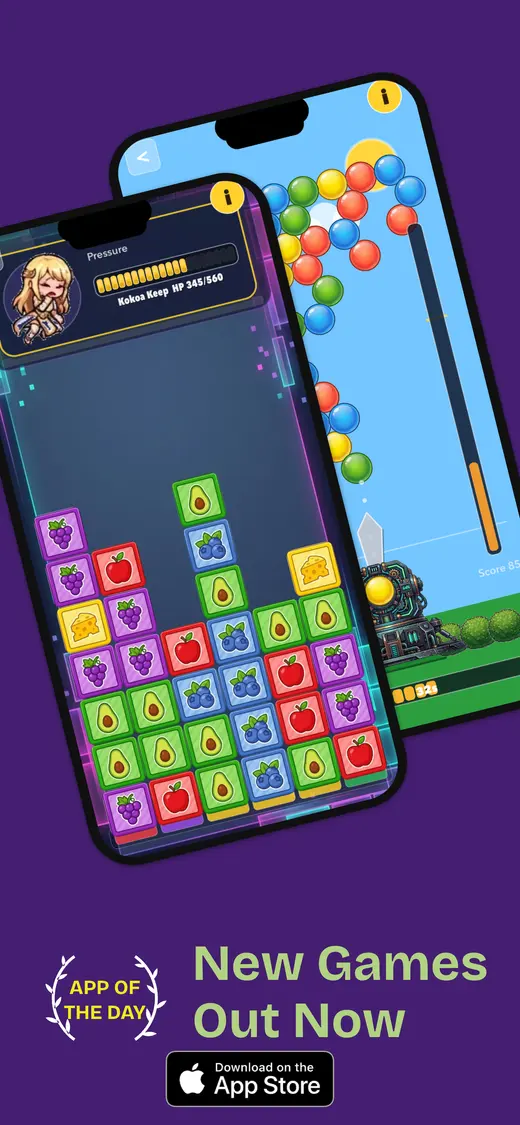
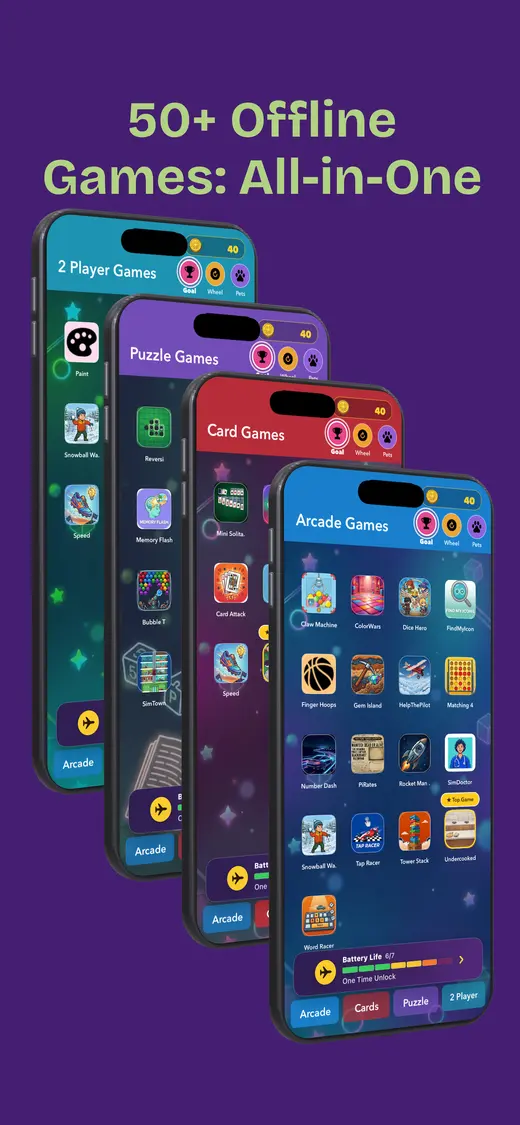
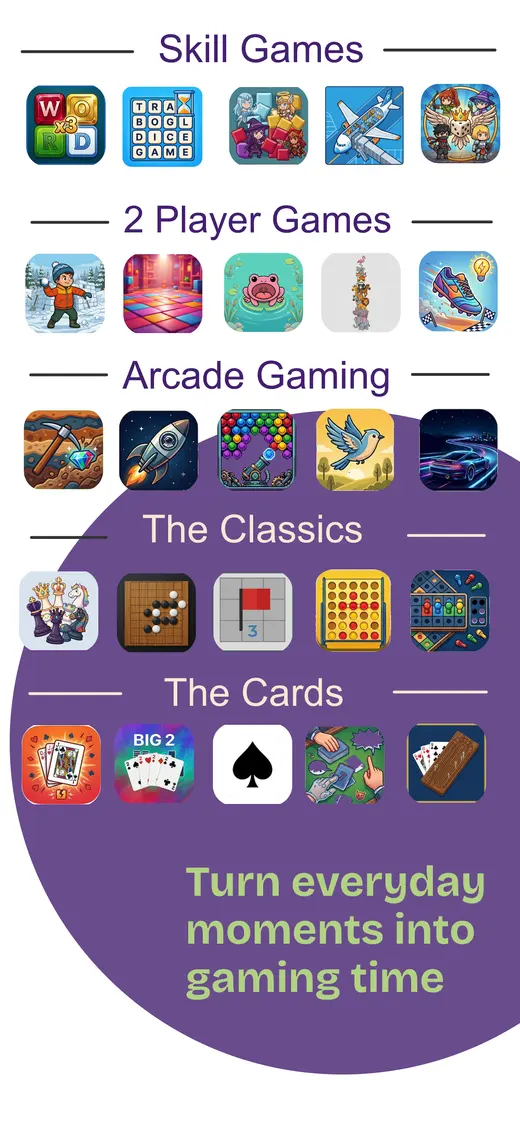
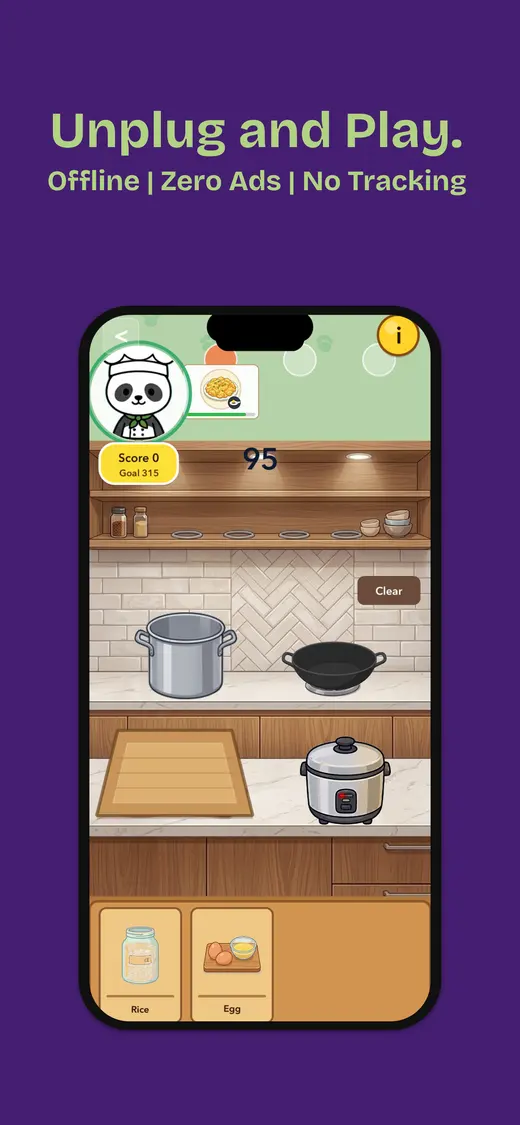
After doing the privacy check, Fun Games for Flights is one option for travellers who want quick entertainment in one place. The current App Store listing says it works offline after installation, has no ads, reports Data Not Collected, and includes solo, two-player, and group games.
- Works offline after installation
- No ads stated on the listing
- Data Not Collected stated
- Solo and shared play
People also ask
Free travel games and privacy FAQ
Short answers before you download.Can a free travel game really collect no data?
Yes. Some free games report Data Not Collected in the App Store privacy section. Check the current listing before downloading because privacy details are developer-reported and can change.
Does offline play mean a game is private?
No. Offline play describes whether the game needs a connection during use. An app can work offline and still collect information when it reconnects, show ads, or use analytics.
Where do I check whether an iPhone game tracks me?
Open the app's App Store product page and scroll to App Privacy. Look for Data Used to Track You, Data Linked to You, Data Not Linked to You, or Data Not Collected.
Are free games with no tracking always ad-free?
No. Ads and data collection are separate questions. A game may show ads without personalised tracking, or collect analytics without showing ads. Read both the listing and the permission prompts.
What should I do before travelling with an offline game?
Install it on Wi-Fi, open it, download any extra content, enable airplane mode, then force-quit and reopen it. Check that the first game loads without an account or connection.
Download less. Play more.