Travel downtime• 10 min read
8 no WiFi games for travel and waiting
Quick iPhone games for queues, platforms, waiting rooms, and delays that refuse to provide a reliable end time.

The short answer
The best no WiFi games for travel and waiting are our Fun Games for Flights app, Threes!, holedown, Good Sudoku, Mini Metro, Monument Valley 2, The Battle of Polytopia, and Stardew Valley. Pick one quick game and one longer backup, then test both with every connection switched off.
The right waiting game is not the one that can consume your entire holiday. It is the one you can abandon the second your name, number, gate, or train is called.
Most offline-game lists are built around long flights. Waiting is a different problem. A queue may last three minutes. A delayed train may arrive without apology. A medical waiting room can turn fifteen minutes into an abstract concept.
This guide sorts real iPhone games by useful session length and interruption tolerance. Each option is currently available on the Canadian App Store. Where the listing does not make an explicit offline promise, I say so. “Probably works” is not something you want to discover after the signal disappears.
Choose for uncertainty
What makes a good no WiFi game for travel and waiting?
Short sessions help, but reliable stopping, quiet controls, and a cold offline launch matter more.Stops immediately
The best waiting game survives a boarding call, an appointment, or a train arriving early. Reliable pause and autosave matter more than a grand promise of endless content.
Fits one hand
Portrait play and simple taps help when the other hand is managing luggage, a child, or the ceremonial airport coffee.
Works quietly
A useful public-space game remains readable without sound and does not demand frantic movement from the person beside you.
Proves it is offline
A store category is not a test. Launch, play, save, close, and reopen the exact mode with every connection disabled.
Compare the wait
No WiFi games at a glance
Canadian App Store details checked Sept. 3, 2026. Prices, sizes, and features can change.Eight real iPhone games
The best no WiFi games for travel and waiting
The offline note applies to the mode described. Connected extras may still need Wi-Fi or mobile data.Fun Games for Flights ↗
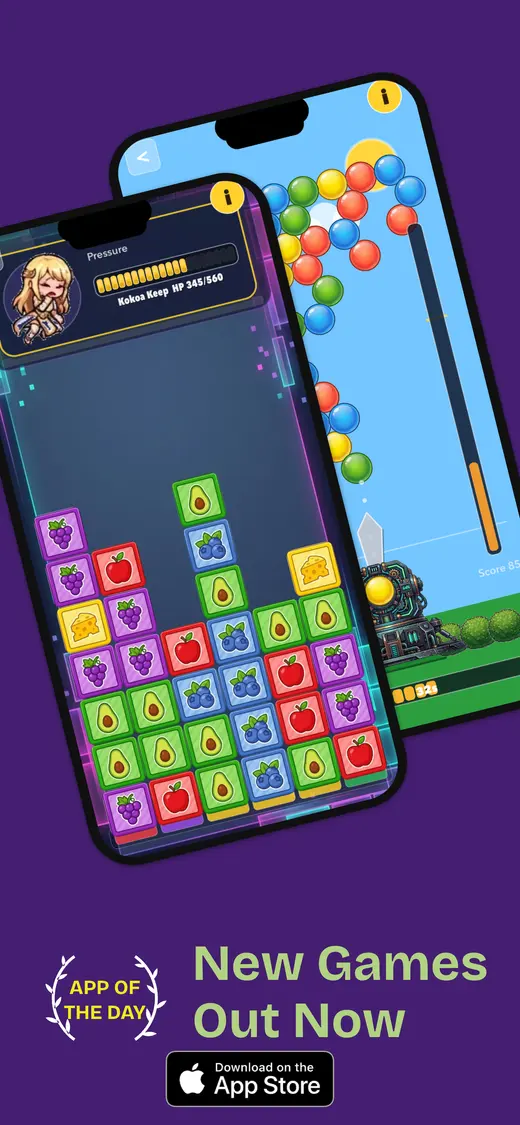
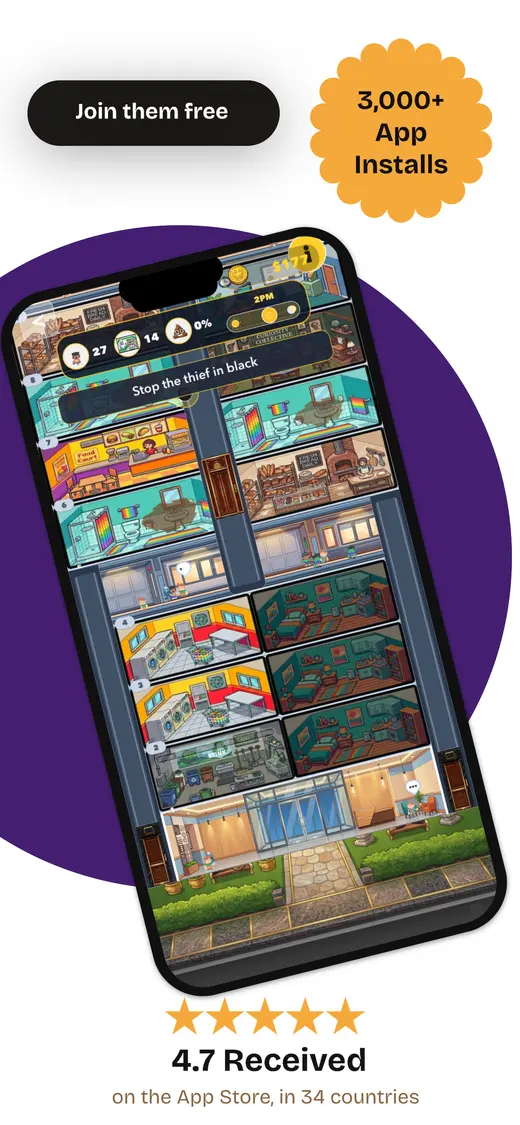
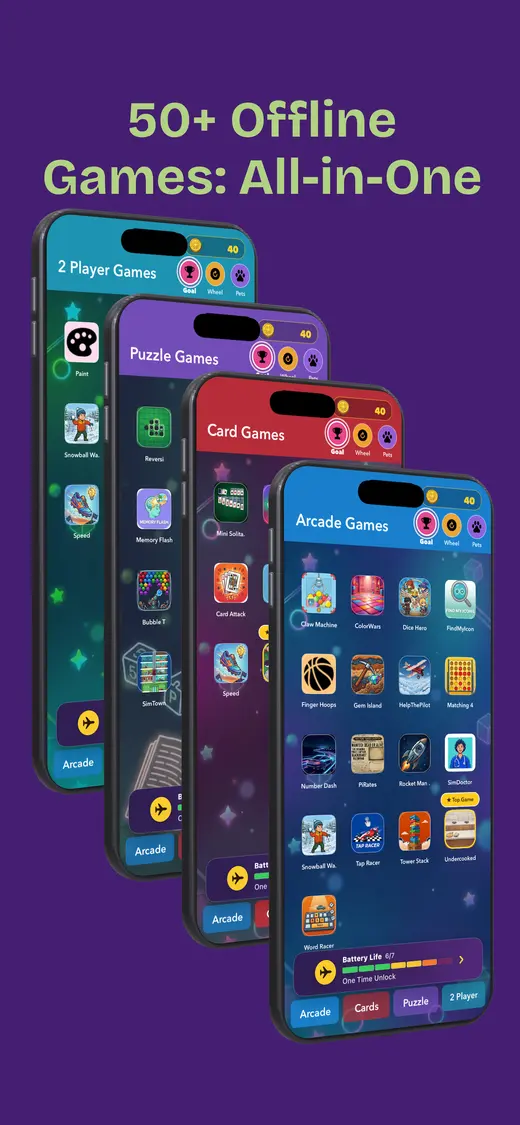
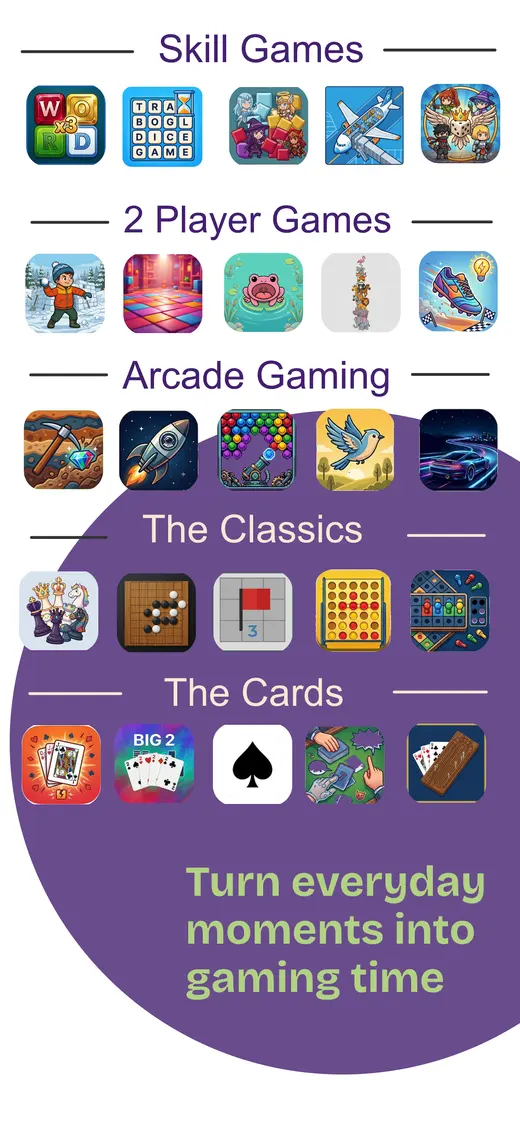
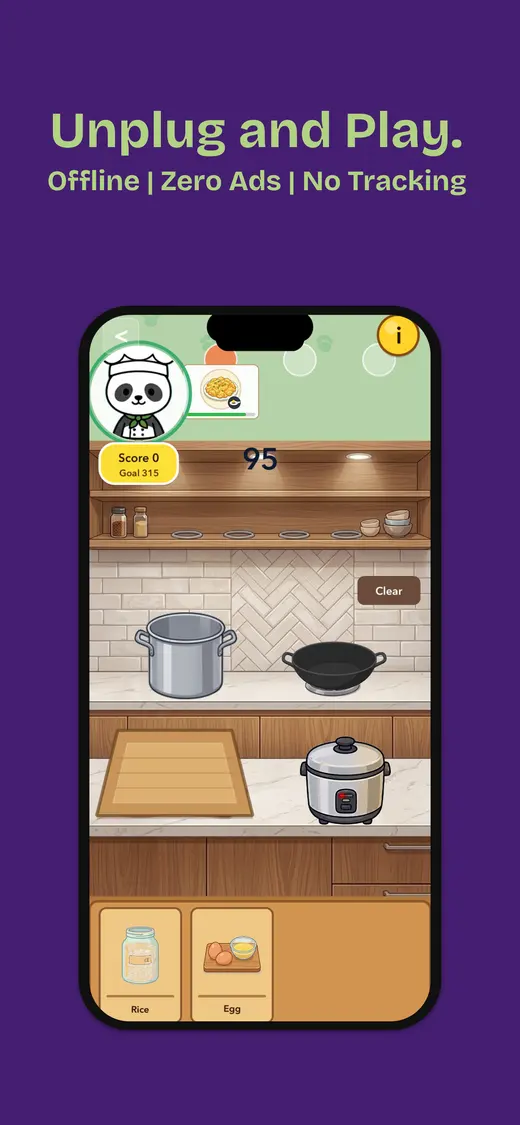
One download for changing wait lengths. Our app keeps card games, word games, number puzzles, trivia, memory challenges, reflex games, and pass-and-play options together. That range is useful when a two-minute queue becomes a twenty-minute gate change. The Canadian App Store listing says it works offline after installation, contains no ads, supports solo, two-player, and group play, and collects no data. It is designed for iPhone, rated 9+, and requires iOS 26.5 or later. Download it before leaving, because the airport is a poor place to discover that your older phone cannot install it.
Session: 2–30 minutes · Price: Free; optional purchases · Download: 112.1 MB
Threes! ↗
One-handed queues and short stops. Threes! turns four-direction swipes into a number puzzle that is easy to resume and much harder to master. The portrait board works when one hand is holding a bag, ticket, or coffee that cost nearly as much as the game. The paid version supports iPhone and iPad, has no in-app purchases, and the listing reports no data collected. Its store page does not explicitly promise offline play, so open a fresh run, force-quit, and reload it without Wi-Fi before relying on it.
Session: 3–15 minutes · Price: $7.99 once · Download: 77.5 MB
holedown ↗
A five-minute wait with satisfying progress. holedown is a one-handed ball-bouncing puzzle about breaking numbered blocks and digging through small planets. Aiming takes seconds, the bouncing provides the spectacle, and each round feeds simple upgrades. The Canadian listing describes six planets, an endless mode, more than five hours of play, and no subscription. Game Center leaderboards are connected extras, while the listing does not make a blanket offline claim. Test the main progression rather than assuming a leaderboard proves the whole game needs internet.
Session: 5–15 minutes · Price: $4.99 once · Download: 80.3 MB
Good Sudoku by Zach Gage ↗
Quiet waits with no twitch controls. Good Sudoku combines more than 70,000 puzzles with hints that explain techniques instead of merely flashing the answer. Standard puzzles suit a waiting room because you can stop after one useful deduction and return later. Daily modes and global leaderboards are connected features, and the current listing does not explicitly guarantee offline access to every mode. Load a standard puzzle first, then test hints, saving, and reopening without a connection. The free version includes optional purchases.
Session: 5–25 minutes · Price: Free; optional purchase · Download: 198.3 MB
Mini Metro ↗
Ten-minute platform and lounge waits. Mini Metro asks you to draw a transit network while stations appear and passenger demand grows. Normal mode creates a tidy scored challenge; Endless removes the failure pressure; Creative lets you build more freely. It supports iPhone and iPad, charges once, and the Canadian listing reports no data collected. The Daily Challenge needs a connection by design, while offline support for the other modes is not stated clearly on the page. Test Normal or Endless mode specifically before your next trip.
Session: 10–30 minutes · Price: $4.99 once · Download: 187.4 MB
Monument Valley 2 ↗
A calm twenty-minute delay. Monument Valley 2 is a sequence of perspective puzzles built around impossible architecture and a mother travelling with her child. Chapters are short, untimed, and comfortable without frantic tapping, which makes the game a better fit for a quiet delay than a noisy action game. The Canadian listing supports iPhone and iPad and charges once. It does not explicitly certify offline play, so finish installation, open the first chapter, then repeat the launch with Wi-Fi and cellular access disabled.
Session: 10–25 minutes · Price: $4.99 once · Download: 341.3 MB
The Battle of Polytopia ↗
A long wait or one-phone shared game. Polytopia compresses civilization strategy into turn-based maps where you explore, research, build, and fight. The Canadian listing explicitly says the game can be played offline and calls it suitable for travel. Solo matches work for an uncertain delay, while Pass & Play gives two people something to do on one device. Online matchmaking, leaderboards, cloud features, and buying extra tribes still need a connection. Start the mode you intend to use before leaving; purchasing a new tribe from a tunnel remains optimistic planning.
Session: 15–45 minutes · Price: Free; optional tribes · Download: 224.7 MB
Stardew Valley ↗
A delay that has become the afternoon. Stardew Valley gives you a farm, a town, caves, fishing, relationships, and far more work than anyone should willingly accept while technically on holiday. The difference is that this work is charming. The iOS edition has touch controls, autosave, more than 50 hours of content, and no in-app purchases; mobile multiplayer is not supported. Its listing does not explicitly promise offline play. Create a local save and confirm that a full in-game day reloads without Wi-Fi before a long journey.
Session: 20–60 minutes · Price: $6.99 once · Download: 463.7 MB
Our app · iPhone · Rated 9+
Several kinds of wait. One offline game collection.
We built Fun Games for Flights for travel gaps that keep changing shape. It combines quick solo games with two-player turns and group options, needs no internet after installation, contains no advertising, and reports no data collected on its Canadian App Store listing. The current download is 112.1 MB.
- Works offline after installation
- No ads
- Solo and shared games
- No data collected

Five minutes before leaving
Test no WiFi games before a travel day
- Install on reliable Wi-Fi. Finish tutorials, purchases, sign-ins, and extra downloads.
- Open the exact mode. A solo puzzle may work while a daily challenge or leaderboard does not.
- Enable airplane mode. Confirm that Wi-Fi is off too; iPhone can remember a previous setting.
- Force-quit and reopen. A cold launch exposes hidden account and licence checks.
- Play, save, and reload. Complete a real round and confirm that local progress returns.
- Repeat after updates. Offline behaviour and required downloads can change with a new version.
People also ask
No WiFi travel and waiting games FAQ
Quick answers for the part of travel where the only visible progress is the clock.What are the best no WiFi games for travel and waiting?
Our Fun Games for Flights app is the flexible all-in-one choice. Threes! and holedown suit short queues; Good Sudoku, Mini Metro, and Monument Valley 2 fit quieter waits; Polytopia and Stardew Valley handle longer delays. Test the exact mode offline before leaving.
What is a good offline game for waiting in line?
Threes! is a strong one-handed choice because a move takes seconds and a run can stop at any moment. holedown also works well when you want a little more spectacle without committing to a long chapter.
Can iPhone games work without Wi-Fi or mobile data?
Yes, when the required game files and save data are stored on the device. Some games still need a login, licence check, initial download, subscription verification, or connection for specific modes.
How do I check whether a game really works offline?
Install and open it on Wi-Fi, finish any tutorial or extra download, enable airplane mode, make sure Wi-Fi is off, force-quit the app, reopen it, play a real round, save, and confirm that the save reloads.
Do no WiFi games use less battery?
Avoiding network activity can help, but the display and graphics often matter more. Lower brightness, enable Low Power Mode, and choose a modest puzzle game when the phone still needs to provide maps or boarding passes.
Can two people play an offline game on one phone?
Yes. Fun Games for Flights includes two-player and group options, while Polytopia offers Pass & Play. Check that the selected local mode works after the phone enters airplane mode.
One collection for uncertain waits.