Kids’ flight games• 9 min read
Fun kid games for flights no ads: 5 honest picks
Five honest options for the cabin, with the cost model, age guidance, and offline test that should happen before takeoff.

The short answer
The best fun kid games for flights with no ads are Fun Games for Flights, Khan Academy Kids, Pok Pok, Daniel Tiger’s Play at Home, and suitable Apple Arcade games. Install the app and its content before leaving, then test the exact game in airplane mode with Wi-Fi switched off.
A plane is a terrible place to discover that “offline” meant “offline after one more download.”
For children, a good flight game needs to do three jobs: start without a signal, avoid selling between rounds, and suit the child who is actually in the seat. A five-year-old and a nine-year-old can look at the same icon and need completely different games.
The list below keeps those decisions visible. It also keeps the word “free” under supervision, where it belongs. A free download can still have a subscription, purchases, or a content download waiting behind the first cheerful button.
Before download
What makes a flight game a good fit?
“No ads” is useful, but it is not the whole travel checklist.It starts offline
Download the app, extra levels, and required content at home. A title screen is not proof that the game works in airplane mode.
Its price is clear
Separate free, paid once, subscription, and optional purchase models. They solve different family problems.
It matches the child
Check the age rating, reading demands, pace, sound, and whether the child can play without an adult doing the actual work.
It survives a pause
Flights contain snacks, seatbelts, turbulence, and the sudden need to look out the window. Choose games that can stop cleanly.
Start here
Five no-ad options at a glance
App Store details checked Sept. 28, 2026. Prices, ratings, and availability can vary by country.Five real choices
Fun kid games for flights with no ads
Fun Games for Flights comes first because it is our app; every other option is linked to its current App Store listing.Fun Games for Flights ↗
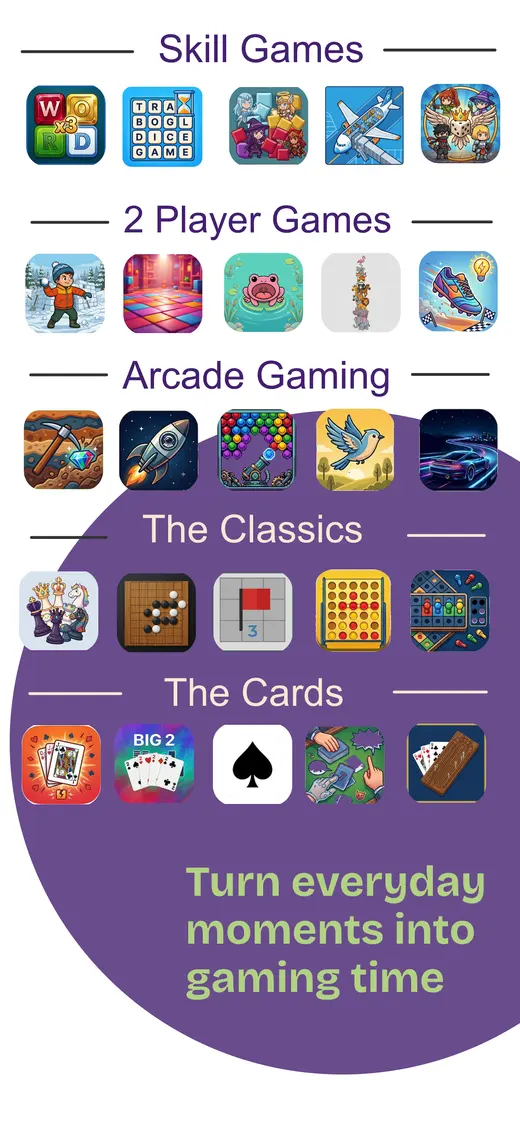
Families wanting variety in one iPhone app. The practical travel pick when one child wants a puzzle, another wants a quick reflex game, and the adult would rather not download twelve separate apps. It includes solo, two-player, and group games, so it can work as a shared activity too.
Cost: Free download; optional in-app purchases · Ads: No ads stated in the listing · Age: 9+ · Offline: Works after installation
Khan Academy Kids ↗
Younger children who like learning games. This is more learning library than arcade cabinet, but that can be exactly right for a long flight. The current listing describes reading, maths, stories, and activities for ages 2–8, with offline downloads available.
Cost: Free; no ads or subscription · Ads: No ads · Age: 4+ · Offline: Download books and games first
Pok Pok ↗
Low-stimulation open-ended play. Pok Pok is designed around calm, open-ended activities rather than levels, scores, or a loud parade of rewards. It is a good fit for younger children who want to explore, although the large download and subscription model deserve a parent’s quick look.
Cost: Free trial; optional subscription · Ads: No ads · Age: 4+ · Offline: Download content before travel
Daniel Tiger’s Play at Home ↗
A paid-once preschool option. The App Store listing describes pretend play and mini games for ages 2–5. A paid download can be easier to reason about than a free game with a shop, but still open the actual activities in airplane mode before boarding.
Cost: Paid download; storefront price varies · Ads: No ad model listed · Age: 4+ · Offline: Test the installed activities
Apple Arcade family games ↗
Families already paying for Apple Arcade. Apple’s current family-games guide includes options for younger players. The advantage is a catalogue without ad interruptions or extra purchases inside the games; the catch is that a subscription and per-title downloads still need to be sorted before the flight.
Cost: Subscription; regional price varies · Ads: Apple says Arcade has no ads or additional in-app purchases · Age: Varies by title · Offline: Download each title and test it
Five minutes before leaving
Run the airplane-mode test at home
- Install the app and its extras. Open the games or activities your child is most likely to choose.
- Turn on airplane mode. Switch Wi-Fi off as well. Re-enable Bluetooth only when the game specifically needs it.
- Force-quit and reopen. This catches sign-in checks and content that loaded only once.
- Finish one real round. Do not stop at the menu. Play, pause, save, and return.
- Block purchases. Apple explains how to block in-app purchases with Screen Time or review requests with Ask to Buy.
Our app · iPhone
One download for the “what can I play?” moment.
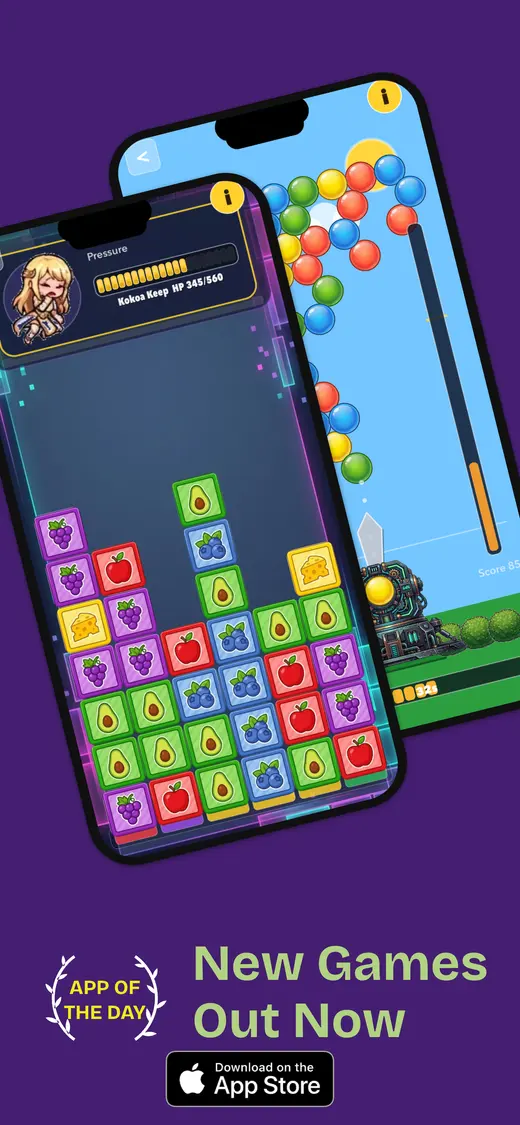
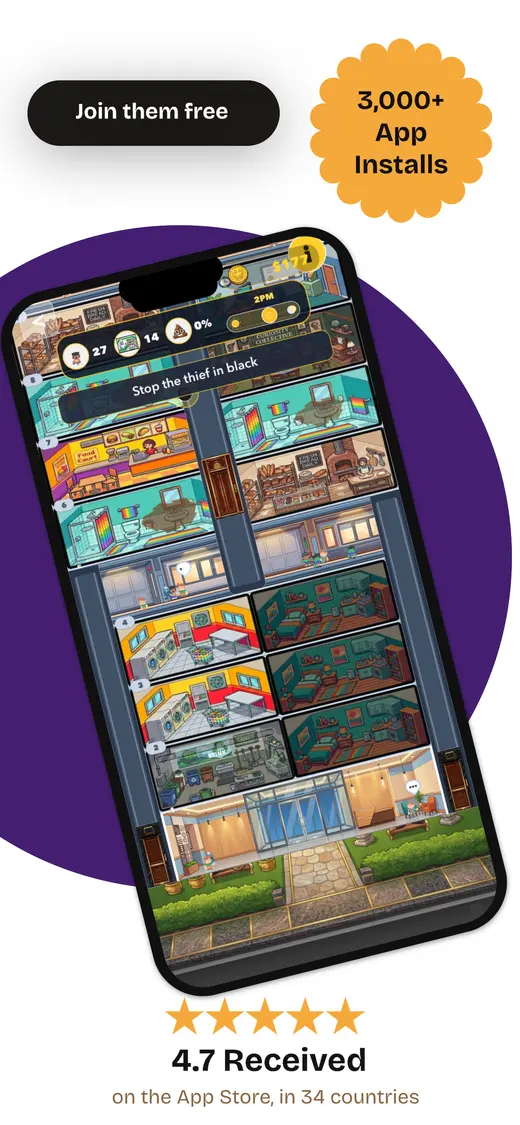
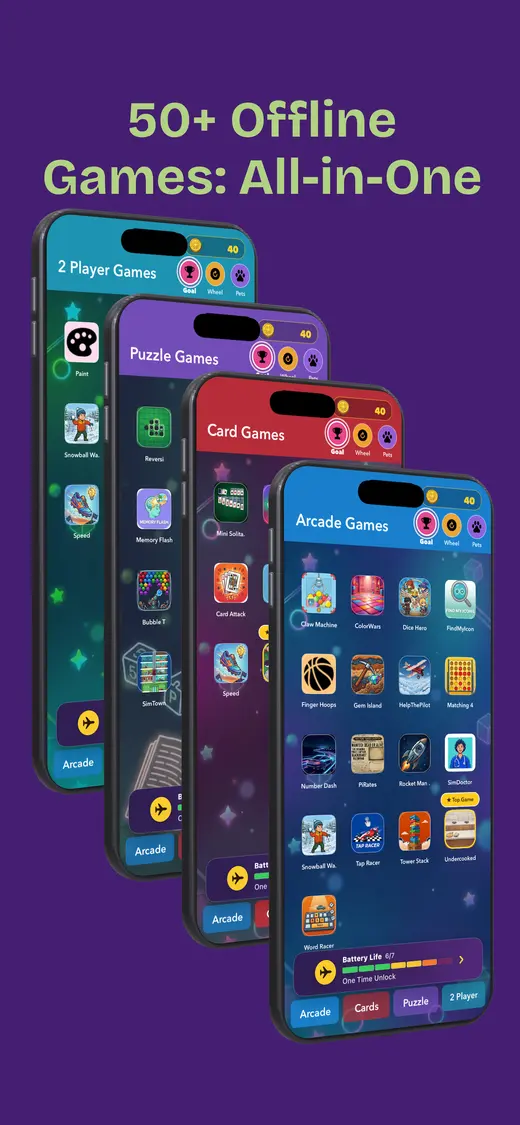
Fun Games for Flights is our collection of offline mini games for solo play, two-player turns, and groups. The current App Store listing says it has no ads and needs no internet connection after installation, which makes it useful when a child wants variety without a cabin full of interruptions.
It is free to download with optional in-app purchases, so it is not a purchase-free app. The listing is currently rated 9+ and designed for iPhone. Read the local storefront before installing.
- Works offline
- No ads
- Solo and shared play
- Many game types
People also ask
Flight games FAQ
Clear answers before the device reaches the seatback tray.What are the best fun kid games for flights with no ads?
Fun Games for Flights, Khan Academy Kids, Pok Pok, Daniel Tiger’s Play at Home, and suitable Apple Arcade games are five useful starting points. Check age ratings, cost models, and offline behaviour before departure.
Can kids play these games without Wi-Fi on a plane?
Yes, but only after the required app, content, and updates are downloaded. Turn on airplane mode, turn Wi-Fi off, force-quit the app, reopen it, and complete one real activity before travel.
Are ad-free kids’ games always free?
No. Some are free, some are paid once, and some use a subscription. Ad-free describes the interruption model, not the price. Read the App Store purchase labels rather than treating free as a synonym for no cost.
What age should a child be for Fun Games for Flights?
The current App Store listing gives Fun Games for Flights a 9+ rating and says it is designed for iPhone. A parent should use that rating as a starting point and decide whether the individual games suit the child.
How do I stop a child making in-app purchases during a flight?
Apple’s Screen Time controls can block in-app purchases. On iPhone or iPad, enable Screen Time, open the App Store purchase controls, and set In-App Purchases to Blocked; Ask to Buy is another option for children in Family Sharing.
No ads. No loading wheel.