Kids’ iOS games• 11 min read
Safe iOS games for kids without ads
Six parent-first picks, with the price model, age guidance, and setup details that should come before a child starts tapping.

The short answer
Safe iOS games for kids without ads include Fun Games for Flights, Khan Academy Kids, Pok Pok, Sago Mini School, selected PBS KIDS Games, and age-appropriate Apple Arcade titles. Read each App Store listing, disable purchases, and test the child’s chosen content before handing over the phone.
The safest kids’ game is not the one with the happiest icon. It is the one a parent has read, set up, and watched a child use.
Ads and surprise purchase prompts turn a simple game into a tiny sales department. That is a bad job for a child and an even worse surprise for the adult holding the card details.
The useful distinction is not free versus paid. It is whether the app is clear about its cost, has suitable content, respects the family’s boundaries, and still works when you need it. The six choices below handle the first part; the five-minute setup handles the rest.
Before download
What “safe” should mean in a kids’ game
Age ratings matter, but they do not answer every question a parent has.Clear cost
Know whether the app is paid once, free, subscription-based, or has optional purchases before a child finds the bright button.
No ads
Advertising is not a harmless background detail when the audience is a child. Prefer a stated no-ad model or a service that guarantees it.
Useful limits
Use the App Store age rating, then check chat, outside links, online features, and privacy details for the child in front of you.
Parent test
Open the actual game, inspect the menus, set restrictions, and test offline play. A listing describes an app; it does not supervise it.
Start here
Six safe iOS games at a glance
App Store details checked Sept. 4, 2026. Features and availability can change.Six real choices
Safe iOS games for kids without ads
Fun Games for Flights comes first because it is our app; every other recommendation is a current App Store option.Fun Games for Flights ↗
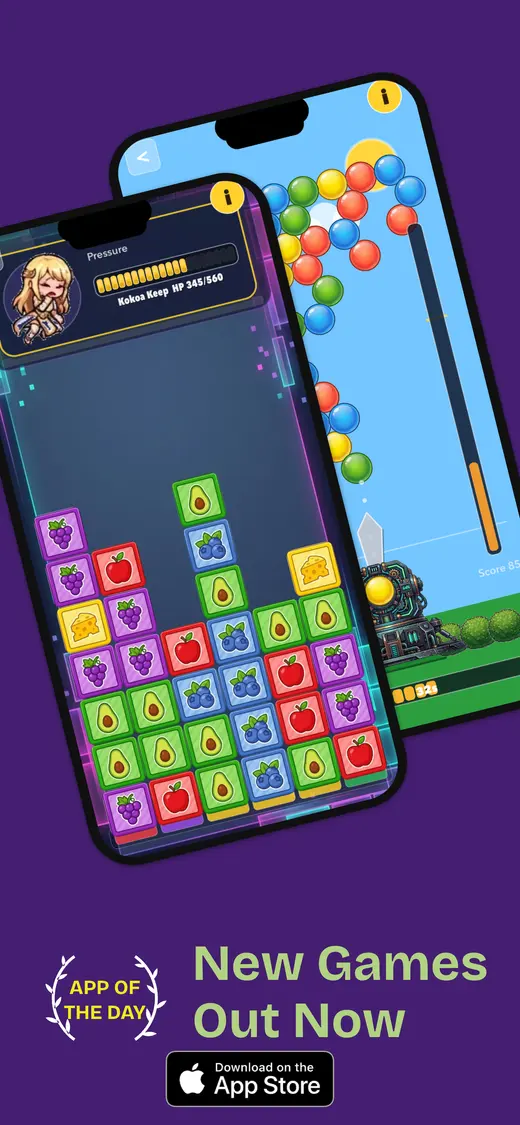
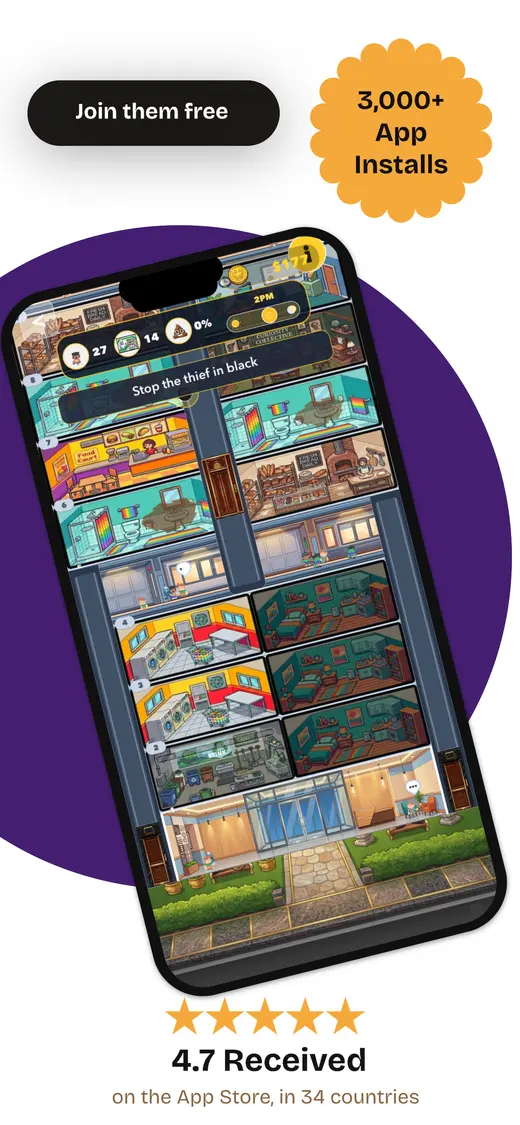
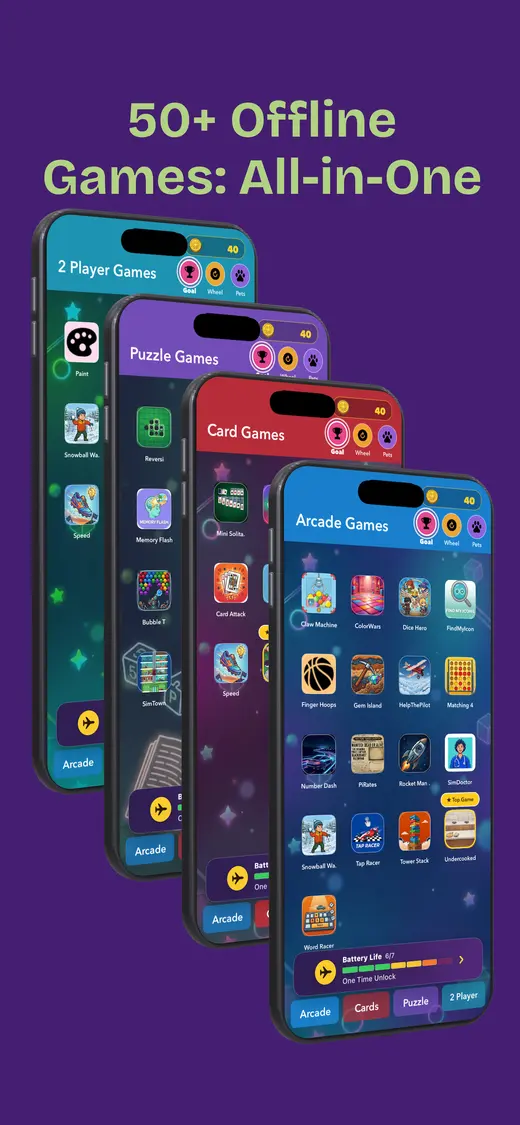
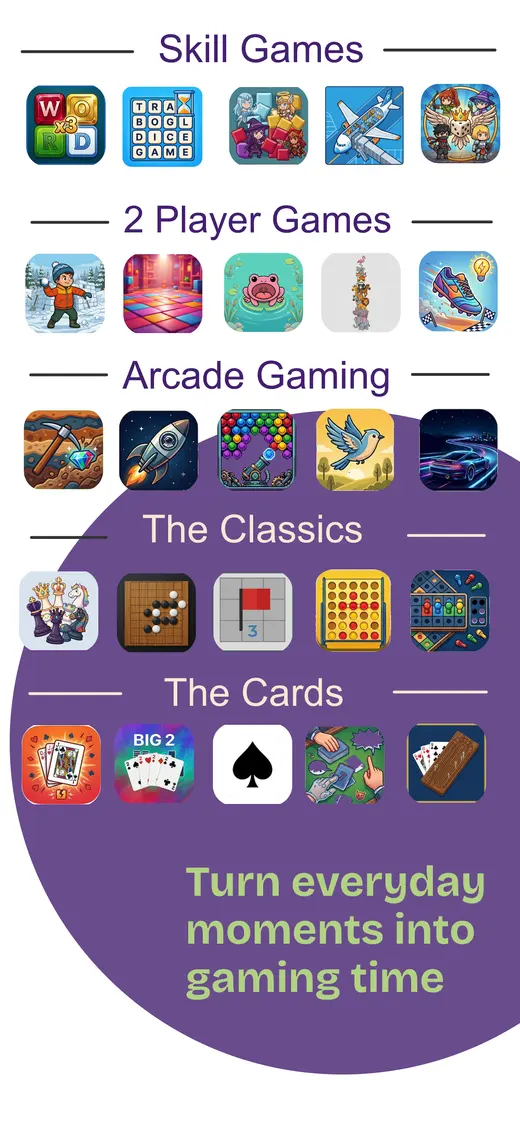
One iPhone with siblings who want different game types. Our app collects more than 50 offline mini games in one iPhone download: card games, word games, number puzzles, memory challenges, reflex games, and pass-and-play rounds. It is the useful choice when children do not want the same thing for long. A parent can choose a calmer memory or card game for a younger player, then hand over a two-player round to older siblings. The App Store listing shows a free download with optional purchases and no data collected. The practical detail is the store rating: it is 9+, so treat that as the starting point and choose the actual game together.
Cost: Free download; optional purchases · Ads: No ads · Age: Store rating 9+ · Offline: Yes, after installation
Khan Academy Kids ↗
Ages 2–8 who enjoy reading, number games, and short activities. Khan Academy Kids is the strongest genuinely free pick here. Its official App Store listing promises more than 5,000 learning games, books, and videos for ages 2–8, with no ads and no subscriptions. The library covers phonics, counting, puzzles, memory, stories, and drawing, so it gives a child more than one way to settle in. It also says families can download books and games for use without Wi-Fi. Do that before the journey; a large library is only helpful when the favourite activity is already on the device.
Cost: Free · Ads: No ads or subscriptions · Age: Made for ages 0–5; App Store 4+ · Offline: Download selected books and games
Pok Pok ↗
Ages 2–8 who prefer calm, open-ended pretend play. Pok Pok is a low-stimulation collection of Montessori-inspired digital toys: blocks, drawing, a town, a busy board, music, marbles, shops, and more. The official listing describes it as ad-free and says it is COPPA compliant, but it is subscription-based, so this is not a no-cost recommendation. That is not a flaw if the family genuinely uses it; it is simply a detail worth knowing before a child meets the paywall. Its toys are deliberately open-ended, which makes it a better fit for a child who wants to explore than one who wants levels, scores, and fireworks every twelve seconds.
Cost: Subscription after trial · Ads: No ads · Age: App Store 4+ · Offline: Test the chosen toys before travel
Sago Mini School ↗
Ages 2–5 who like guided preschool activities. Sago Mini School brings together more than 300 preschool games around phonics, tracing, numbers, puzzles, mindfulness, and classroom routines. Its App Store listing describes the activities as designed with child-development experts and says the app is ad-free with no in-app purchases, while also explaining that access is through a subscription after a trial. That distinction matters: no ads does not always mean no recurring cost. It is a good match for a child who enjoys a little structure and familiar characters, not for a parent trying to avoid subscriptions altogether.
Cost: Subscription after trial · Ads: Ad-free · Age: App Store 4+ · Offline: Confirm downloaded activities
PBS KIDS Games ↗
Ages 2–8 who already know the PBS KIDS characters. PBS KIDS Games offers more than 280 curriculum-based activities across familiar shows, with English and Spanish play. The official page calls the interface safe and kid-friendly, and its parent resources make this a sensible place to start for children who already have a favourite character. It is a large catalogue rather than one self-contained game, so download the specific activities a child wants and open them once at home. The listing does not make every offline or advertising detail equally prominent, which is exactly why this entry comes with a parent test rather than a blanket promise.
Cost: Free · Ads: Check the current listing and downloaded mode · Age: App Store 4+ · Offline: Download individual games first
Apple Arcade family picks ↗
Families already paying for a broad ad-free game library. Apple Arcade is not one game, but it is a useful filter. Apple says its Arcade titles contain no ads or additional in-app purchases, and a single subscription can cover up to six family members. Start with the individual game’s age rating and description rather than assuming the whole tab suits one child. Crayola Create and Play+ is one example of an art-and-activity title in the Arcade catalogue. The trade-off is simple: the subscription replaces ad pressure, but families should still choose deliberately and download each title before heading offline.
Cost: Subscription · Ads: No ads or in-app purchases · Age: Choose by each game’s App Store rating · Offline: Download and test each title

Five minutes per app
Set up a safer game before giving over the device
- Read the full listing. Check the App Store age rating, privacy label, in-app purchases, subscriptions, and whether there are outside links or multiplayer features.
- Turn purchases off. In Screen Time, use Content & Privacy Restrictions and set App Store purchases to Don’t Allow or require approval.
- Download the real content. Open the exact books, levels, characters, or toys the child will choose. A successful install is not the same thing as a ready game.
- Run the no-connection test. Turn on airplane mode, turn Wi-Fi off, close the app, reopen it, and finish a round. Do this before the device reaches the back seat.
When screens are enough
Four no-ad games that need no app
Keep one of these for a low battery, a waiting room, or the moment a child simply wants you to play too.Mystery sound
Make a quiet sound with a safe object; the child guesses it without looking.
Ten-question animal
Choose an animal, then answer ten yes-or-no questions with one helpful habitat clue.
Colour hunt
Find five red things, four blue things, three circles, two animals, and one surprise.
Story handoff
Each person adds one sentence. The plot may not survive, but everybody gets a turn.
Our app · iPhone
One download for the “what can I play?” moment.
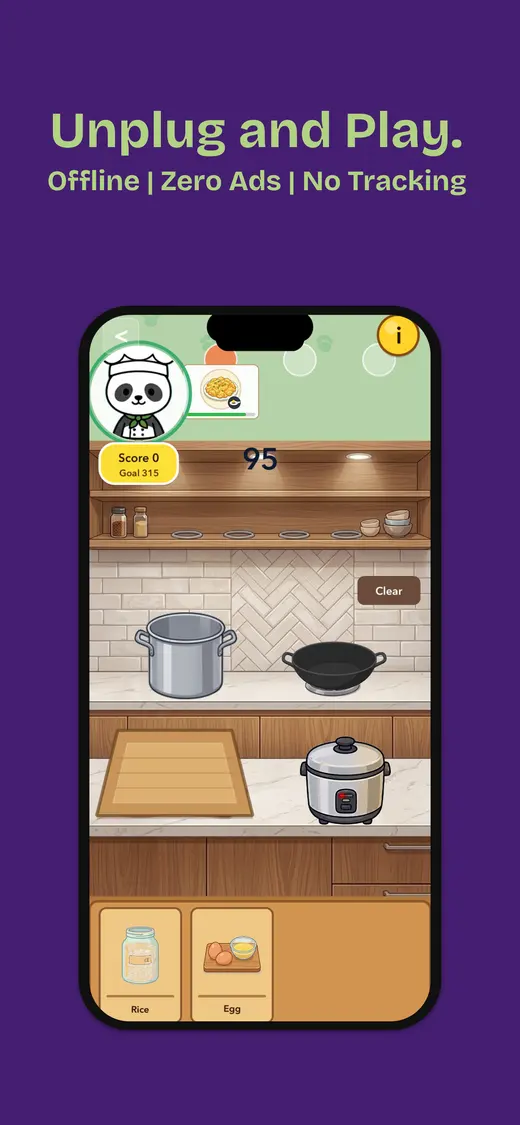
Fun Games for Flights is our collection of more than 50 offline mini games for solo play, two-player turns, and groups. It has no ads and works after installation, making it useful for travel and ordinary waiting around. Choose a simple game alongside younger children and follow the App Store’s 9+ rating as your baseline.
- Works offline
- More than 50 games
- No ads
- Solo and shared play
People also ask
Safe kids’ games FAQ
Clear answers before the iPhone or iPad reaches small hands.What are safe iOS games for kids without ads?
Start with the child’s actual age and the App Store details, not the game’s bright icon. Khan Academy Kids is a free option with no ads or subscriptions; Pok Pok and Sago Mini School are ad-free subscription options; and Apple Arcade removes ads and in-app purchases across its catalogue. Fun Games for Flights is our own ad-free iPhone collection for families wanting many offline mini games in one place.
Are free kids’ games without ads safe?
Free and safe are separate claims. Check the age rating, privacy label, outside links, chat, purchases, and account requirements. A parent should also open the game before handing it to a child.
How do I stop a child buying things in an iPhone game?
Apple’s Screen Time controls can prevent in-app purchases. Go to Settings, Screen Time, select the child, then Content & Privacy Restrictions and iTunes & App Store Purchases; set purchases to Don’t Allow or require approval.
Can ad-free iOS games work offline?
Often, but not automatically. An app may need a first launch, extra download, account check, or a specific game selected. Download the content, turn on airplane mode and turn Wi-Fi off, then close, reopen, and play one complete round.
Is Apple Arcade a good choice for kids?
It can be a useful paid filter because Apple says Arcade games have no ads or in-app purchases. Still check the individual game’s App Store age rating and description, then test the title your child actually wants to play.
Set it up once, then let them play.