Kids’ offline games• 9 min read
2-player games for kids without internet
Shared-screen iPhone and iPad games, plus the local setup check that prevents a download from becoming a disappointment.
The short answer
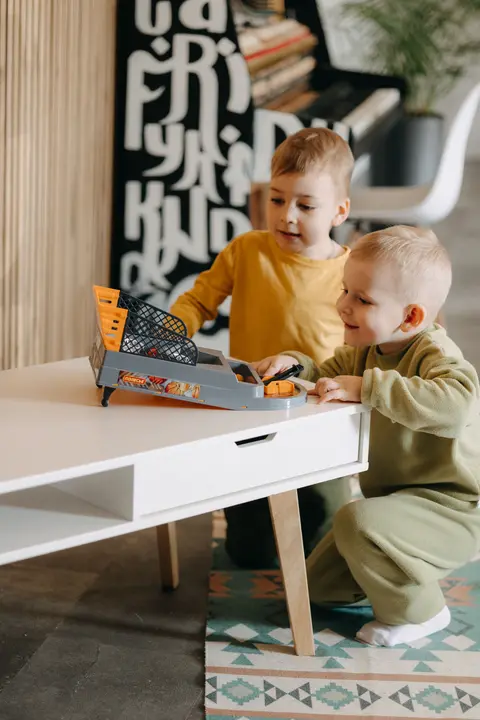
For two-player games for kids without internet, start with Fun Games for Flights, our own app, for a varied offline library on one iPhone. For quick shared-screen matches, choose 2 Player Games: The Challenge or Duel Otters. BADLAND works best on an iPad; DUAL! suits two devices; and The Game of Life 2 gives a slower pass-and-play option.
The answer is not simply “an offline game.” Two children need a game that agrees with the number of screens, the amount of elbow room, and their tolerance for losing a tiny game of air hockey.
For a pair sharing one device, look for same-screen or pass-and-play in the listing. Same-screen games let both players touch at once; pass-and-play games have a natural handover between turns. For two devices, look for an explicit Bluetooth or local Wi-Fi mode. Neither phrase is a guarantee that the exact mode will work in airplane mode.
The six picks below are current App Store options checked for their player setup and cost model. For a larger family, see our offline multiplayer games for iOS. For turn-taking ideas, start with pass-and-play games on one device; for the back seat, use our offline mini games for kids on road trips.
Choose the setup first
Two screens, one screen, or one turn at a time?
The best local game depends on the hardware before it depends on the game icon.Same screen
Both children touch one device at once. It is immediate and lively, but an iPad is kinder than an iPhone when elbows are involved.
Pass and play
One player finishes a turn, then hands over the device. This suits boards, cards, trivia, and decisions with a built-in pause.
Two devices
Bluetooth or a local network connects each child’s device. It needs two installs and a real test, but it gives everyone room to play.
Parent setup
Read the App Store age rating and cost model, turn off purchases where needed, and open the chosen mode before the children do.
Six real choices
Two-player games for kids without internet
Fun Games for Flights comes first because it is our app; each other recommendation is a current App Store option with a stated setup.A mixed-age pair that wants several quick options · One iPhone; two-player turns and group games
Fun Games for Flights ↗
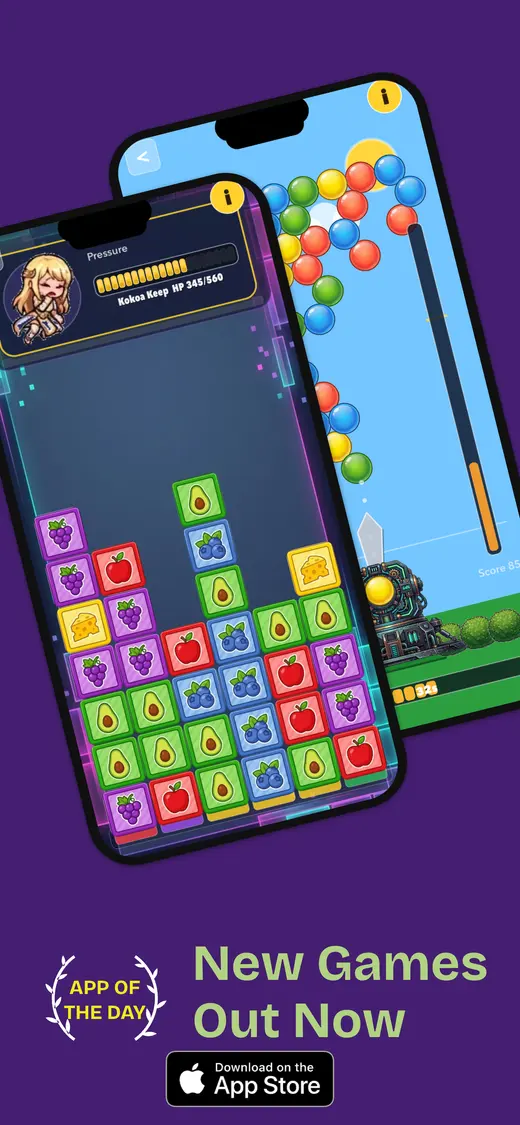
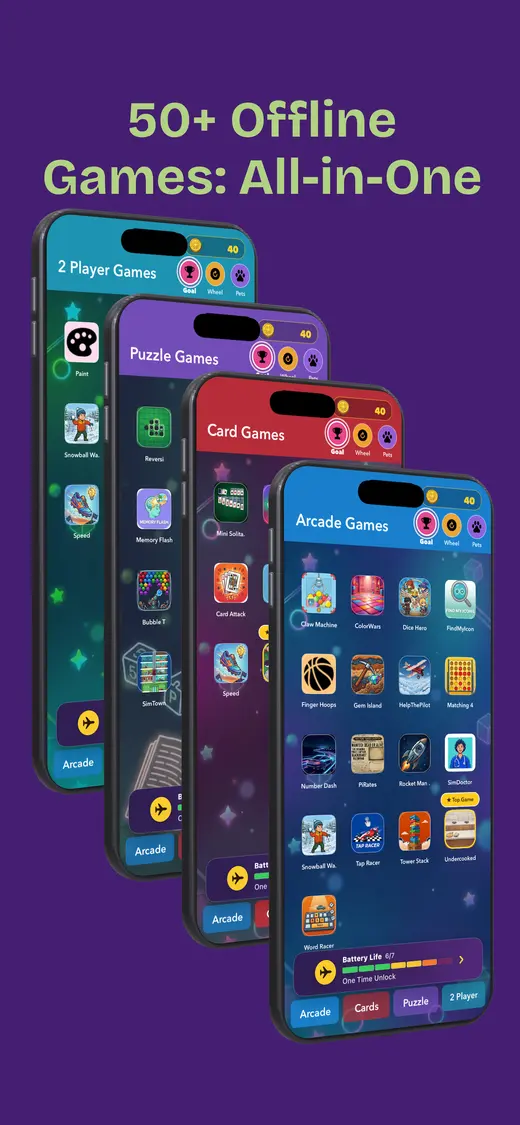
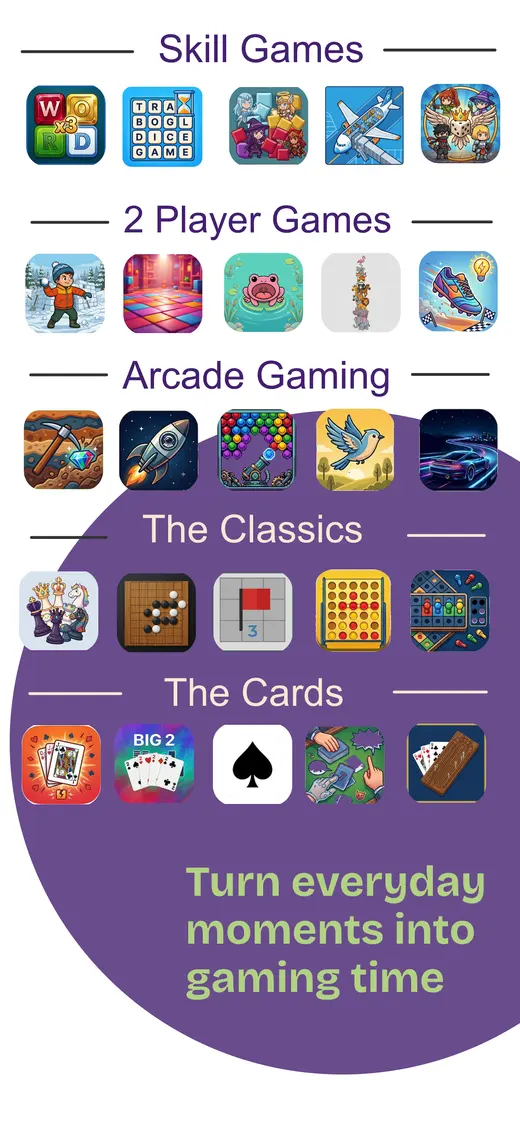
Our app is the practical first download when the two players do not want the same game for very long. The current App Store listing says it works offline after installation and includes card games, word games, number puzzles, trivia, memory games, reflex challenges, pass-and-play party games, and family-friendly mini games. It is designed for iPhone, so it is best for taking turns or choosing a compact two-player game rather than asking two sets of hands to share every inch of one screen.
Cost: Free download; optional purchases · Age: App Store 9+
Fast, competitive mini games · One iPhone or iPad; same screen
2 Player Games: The Challenge ↗
This is the easy recommendation when the children want a rematch before the seatbelt sign changes. Its App Store listing describes dozens of mini games for one, two, three, or four people and says they can be played online or offline. Ping pong, air hockey, pool, tic-tac-toe, and simple racing make the point quickly. The listing also notes advertising and optional purchases, so a parent should inspect the current prompts and use Screen Time settings before handing it over.
Cost: Free; optional purchases · Age: App Store 4+
Two players holding opposite ends of one device · One iPhone or iPad; same screen
Duel Otters ↗
Duel Otters is built around the physical joke that two people are literally facing each other across one screen. The official listing describes 13 head-to-head games and a two-player mode where players compete across a series of rounds. That makes it a better fit for an older child who enjoys reaction challenges than for a child who is still learning how to share a small screen. The listing does not make an explicit offline guarantee, so test the intended mode in airplane mode before travel.
Cost: Free; optional purchases · Age: App Store 9+
Co-op or gentle rivalry on an iPad · One device; up to four local players
BADLAND ↗
BADLAND has local co-op and versus modes for up to four players on the same device, according to its App Store listing. Its one-touch controls mean two children can understand the basic job quickly: keep their forest creature moving while the world becomes inconveniently full of obstacles. It is more comfortable on an iPad than an iPhone, particularly with two players. The listing describes the local modes but does not make a blanket offline claim, so download it and finish a local round with Wi-Fi and cellular data off.
Cost: Paid upfront · Age: Check the current App Store rating
Two children who each have a device · Two phones or tablets; Bluetooth or local Wi-Fi
DUAL! ↗
DUAL! is not a hand-the-phone-back-and-forth game. Each player uses a device while shots, goals, and challenges travel from one screen to the other. The official listing says it supports local play over Bluetooth or Wi-Fi in competitive and cooperative modes. That is excellent when both children have a device, but it needs a real pre-trip test: install it on both devices, turn on airplane mode, re-enable Bluetooth if using it, and complete a match.
Cost: Free start; one-time unlock available · Age: App Store 4+
A slower pass-and-play board-game session · One device; Pass & Play
The Game of Life 2 ↗
The Game of Life 2 is for children who would rather make choices and wait for a turn than duel over a tiny air-hockey puck. Its App Store listing says nearby friends and family can use Pass & Play on the same device. It is a much bigger download than a quick mini-game collection, and extra worlds are sold in-app, so it is worth downloading and opening at home rather than gambling on airport Wi-Fi. Its listing does not explicitly promise offline play for every feature; test the local mode you plan to use.
Cost: Paid upfront; optional purchases · Age: App Store 4+
Five minutes before leaving
Run the offline test while you still have Wi-Fi
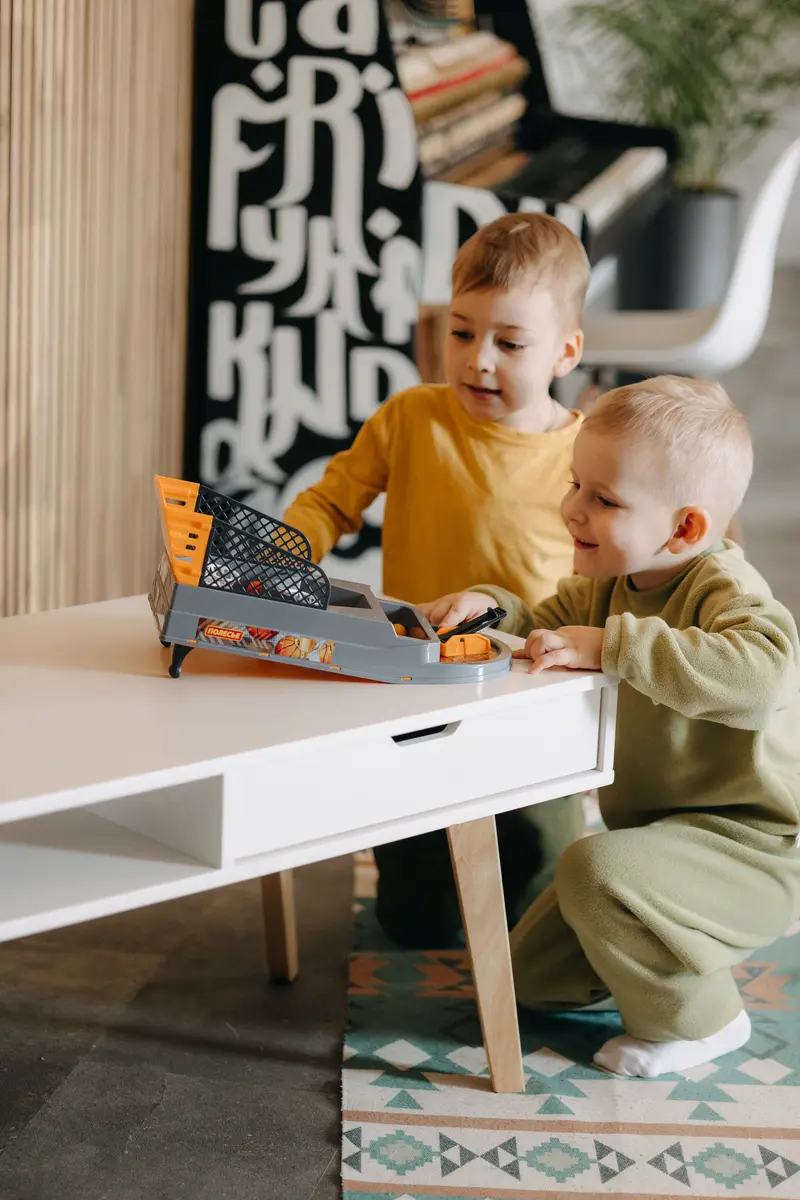
- Install the game and its extras. Open the specific levels, maps, or modes the children are likely to choose.
- Set the boundaries. Review the age rating and cost model. If the device is a child’s, use Screen Time to block in-app purchases.
- Switch the internet off. Turn on airplane mode and turn Wi-Fi off. Re-enable Bluetooth only if the selected game explicitly needs it.
- Force-quit and reopen. This catches a first-launch request or download that a normal install can hide.
- Finish a full round. Make sure both players can start, play, hand over or pair, and reach the end without a connection.
Our app · iPhone
One iPhone, more than one kind of game.
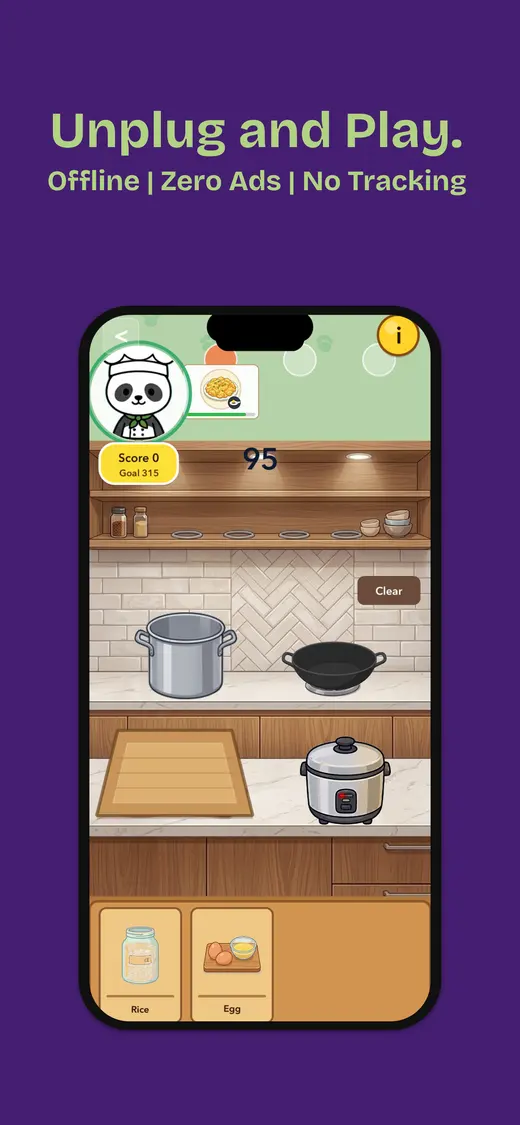
We made Fun Games for Flights for the moment when one child wants cards, the other wants a challenge, and a second download is not the useful answer. The current App Store listing says it works offline after installation and offers solo, two-player, and group games in one library.
It is designed for iPhone. That makes it strongest for turn-taking, short games, and compact two-player rounds; a shared-screen action game with lots of simultaneous tapping is still more comfortable on a larger device.
- Works offline after installation
- Solo, two-player, and group games
- Card, word, puzzle, trivia, memory, and reflex play
- One iPhone library for travel and waiting
People also ask
Two-player games for kids without internet FAQ
Short answers before choosing the game, the device, and the local mode.Can two kids play games on one iPhone without internet?
Yes, if the app has a same-screen or pass-and-play mode that works after it is installed. Fun Games for Flights, 2 Player Games: The Challenge, Duel Otters, BADLAND, and The Game of Life 2 offer ways to share one device, but the exact local mode should be tested in airplane mode first.
What is the best device for two-player kids’ games?
An iPad is usually more comfortable for two children touching the screen at the same time. An iPhone works well for turn-taking, card games, trivia, and quick challenges, while a shared-screen action game can become cramped quickly.
Can Bluetooth games work without Wi-Fi?
Often they can when the app explicitly supports Bluetooth local play. Turn on airplane mode, then turn Bluetooth back on, pair the devices, and finish a match before depending on it. DUAL! is one example whose listing describes Bluetooth local play.
How do I stop in-app purchases before a child plays?
On iPhone or iPad, Apple says to turn on Screen Time, open Content & Privacy Restrictions, then choose iTunes & App Store Purchases and set In-App Purchases to Don’t Allow. Review age ratings and current store details as well.
Why test a game in airplane mode before a trip?
A game can install successfully but still need a first launch, a download, an account check, an ad request, or a particular mode selected while connected. Close it, turn off Wi-Fi and cellular data, reopen it, and play one complete round.
Two players. No signal.