Gaming explained• 7 min read
Mobile games for kids with no in-app purchases
A free download tells you how a game begins. The useful question is what it asks for next.

The short answer
To find mobile games for kids with no in-app purchases, check the current store listing and what the full game includes. A free download, an ad-free claim, and offline support each describe something different. Review the payment model, try a complete round, and set purchase controls before handing over the device.
The game looked simple. Then came the gems, the locked level, and a timer offering to disappear for a small fee.
That is a hypothetical example, but it captures the question a download button cannot answer: will the game keep giving your child something to play, or keep presenting something to buy?
Understanding the difference helps you choose a game on its actual terms. It also makes it easier to separate a sensible content purchase from repeated spending prompts, and a random reward from an ordinary game of chance.
The download price is only the opening number
A free-to-download game may sell extra levels, costumes, a subscription, or currency used inside the game. A paid download can also offer extras. Read both the initial price and the purchase information; either number alone gives you an incomplete picture.
The useful distinction is what the payment buys. Extra content gives you something identifiable to consider. A refill buys another supply of something that runs out. With the latter, ask how often the game expects the player to return to the shop. “Optional” tells you that you can refuse a purchase. It does not tell you how enjoyable the remaining game will be.
Virtual currency adds another layer. The Austrian Safer Internet Centre’s explanation of hidden gaming costs describes how buying coins or jewels can make the real-money cost harder for children to follow. Translate a proposed purchase back into your own currency before discussing it. A bright bag of gems is still a payment.
Look at the bundle as well as the item. In a hypothetical shop, a costume might cost fewer gems than the smallest pack available to buy. Your immediate outlay is the pack price, even though some gems remain afterwards. Ask what you actually need to spend to obtain the thing your child wants.
A random reward changes what you are buying
A known costume and a sealed reward box are different purchases. With the costume, you can inspect the item before deciding. With a loot box, the reward is selected from a pool, so paying does not necessarily deliver the particular item the player wants.
The ESRB’s guide to loot boxes and in-game purchases distinguishes purchases that include random items from other spending. Look for that distinction in the information supplied for the game, rather than treating every purchase label as the same thing.
Randomness by itself does not make a game a paid gambling experience. Shuffling a deck changes a round without selling a reward. The question here is whether money, or currency bought with money, pays for an uncertain result. That is the spending mechanic to examine; a legal classification would require the relevant country’s rules and the details of the game.
Before buying, ask your child to explain what the payment guarantees. A chance at the favourite item is a different answer from the favourite item itself.
Keep that conversation concrete. You can discuss whether the guaranteed contents are worth the asking price without arguing about the best possible prize. If the child only wants one particular reward, uncertainty is part of the decision, not a small detail to read afterwards.
How to assess mobile games for kids with no in-app purchases
Start with the exact app and edition you intend to install. Similar names, a “plus” version, or a separate subscription edition can describe different products. Check its purchase disclosure, age rating, and device requirements in your own storefront. Then read what the developer says is included.
Next, play beyond the welcome screen. Finish a round, lose once, open the next activity, and return to the menu. Watch what happens at those transitions. Can you keep playing? Is another mode locked? Does a prompt offer a reward for watching an advert? This small rehearsal is more informative than assuming a cheerful icon means a simple business model.
Set your own requirement before you judge the result. “No purchases anywhere in the app” is stricter than “a complete game after one agreed payment.” Both are understandable preferences, but they produce different shortlists. Write down which one you mean so that a download does not quietly change the plan.
Age suitability is a separate check. An app without a shop can still require reading, fast reactions, or a level of difficulty your child does not enjoy. Our guide to ad-free iOS games for kids looks at those broader selection questions. Here, the aim is to understand the payment structure before choosing the game.

Purchase controls help enforce the decision
Once you have chosen a game, put the device settings behind your household rule. On iPhone or iPad, Apple’s instructions for blocking in-app purchases use Screen Time. Turn it on, enable Content & Privacy Restrictions, open iTunes & App Store Purchases, and set In-App Purchases to Don’t Allow. Protect the settings with a Screen Time passcode.
Apple also offers Ask to Buy for children using their own devices in a Family Sharing group. That supports reviewing eligible requests instead of giving a child unrestricted purchasing access. Choose the approach that matches whether your rule is “no purchases” or “ask first.”
Blocking payment does not rewrite the game. A locked level can remain locked, and a shop can remain visible. Try playing again with the restrictions enabled. If the experience keeps stopping at a purchase screen, it may simply be the wrong game for your family’s rule.
Offline and ad-free solve different problems
An offline game can be useful on a flight because the next round does not depend on cabin internet. An ad-free game removes advertising interruptions. Neither description, by itself, promises that the entire app is free of purchases. Judge those features separately.
Before travelling, install and open the game, complete any setup, then disconnect. Turn on airplane mode and make sure Wi-Fi is off. Close and reopen the app, start the activity your child wants, and finish a round. If you arranged access to paid content, check that the intended content remains available during this test.
For siblings, also test the handover between players. A game two children can share without internet needs a workable local mode, not merely an offline home screen. Our road-trip mini-game guide covers more choices for the back seat.
Those are the practical qualities we value in a travel game: something ready to play, enough variety for a change of mood, and fewer interruptions between deciding to play and actually playing. That is where our app fits into this discussion.
Our app · Fun Games for Flights
More playing.
Fewer interruptions.
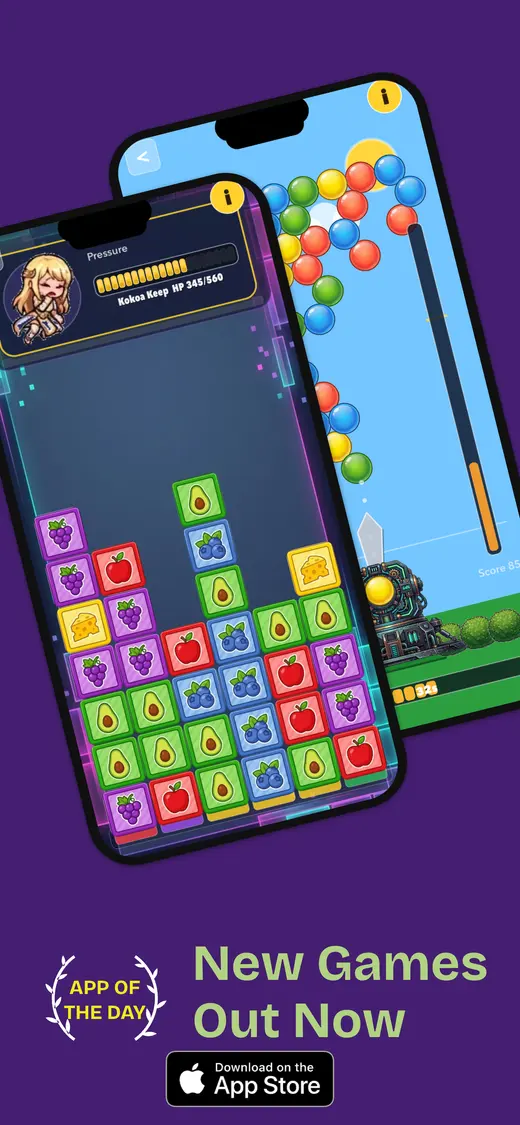
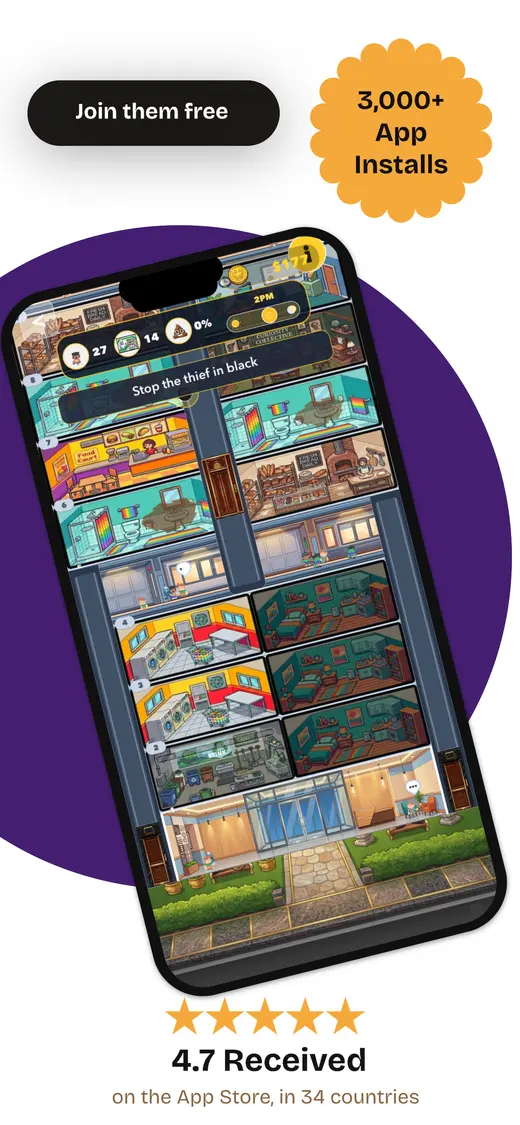
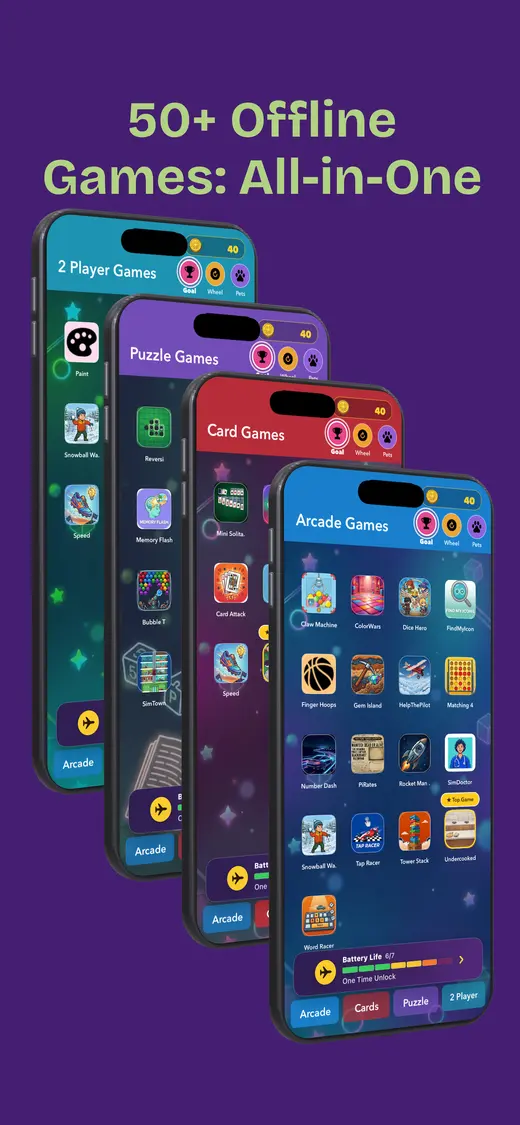
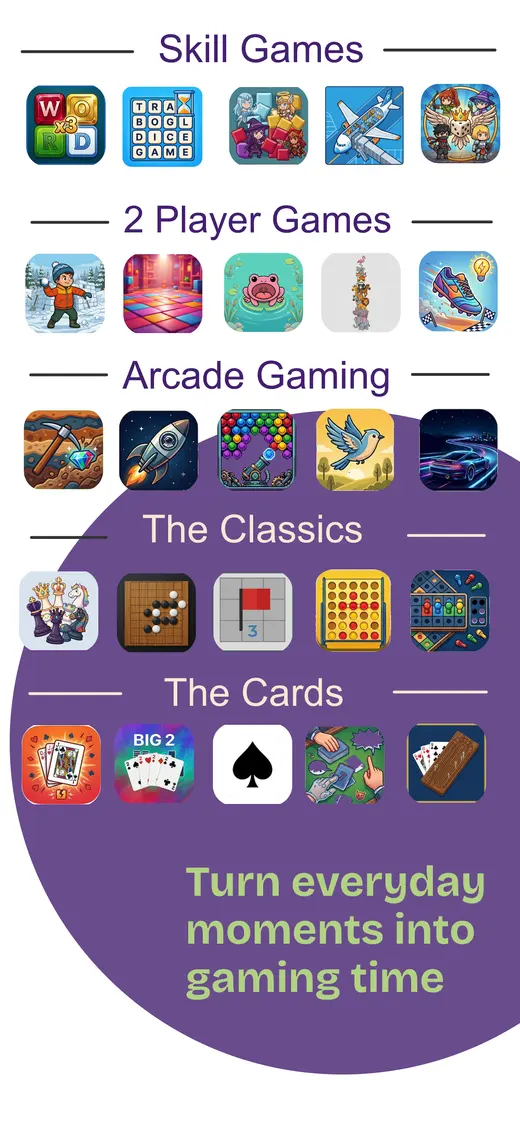
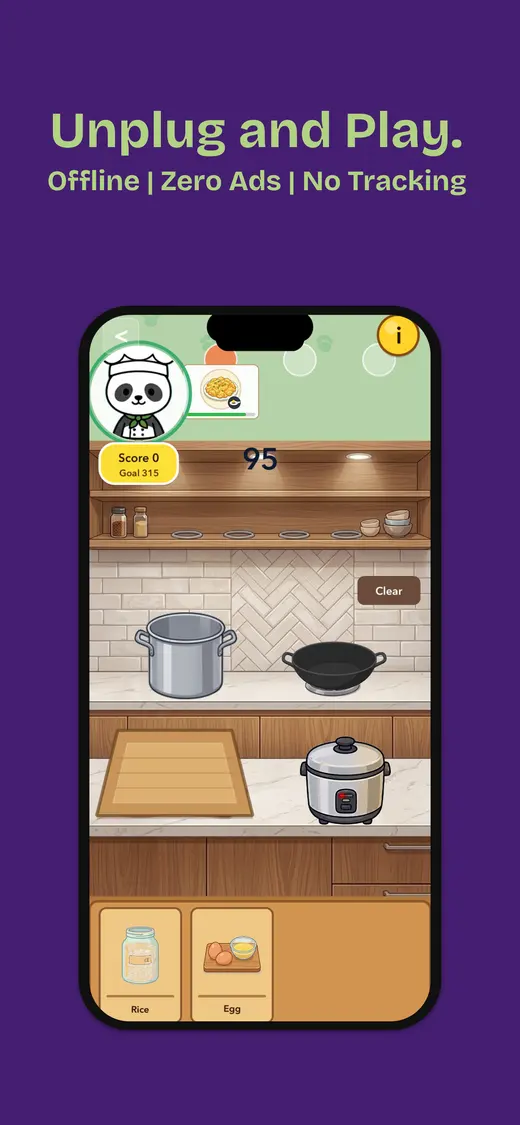
Fun Games for Flights brings card, word, puzzle, and other mini games into one iPhone app. Its App Store description states that it has no ads and works offline after installation, with solo, two-player, and group options.
For a family wanting a varied travel game without advertising breaks or a connection requirement, those are useful reasons to prefer it over an ad-supported, online-only option.
- No ads
- Offline after installation
- Different game styles
- Solo and shared play
Choose a payment model you can explain
If your requirement is strictly no in-app purchases, keep it. For example, Apple Arcade includes games without ads or in-app purchases, funded through a subscription. That is a different arrangement from a free app: check the ongoing membership terms and the suitability of each game.
If you are comfortable reviewing a content purchase yourself, judge what you get and how the game behaves afterwards. You do not have to put a subscription, a content pack, and a random reward into the same category just because they all involve money.
The useful result is a game your child enjoys and a payment arrangement you both understand. Make that decision while you have time to read the details, rather than while the boarding queue is moving and someone has just discovered a locked button.
Common questions
Before you hand over the phone
Does a free download mean there are no in-app purchases?
No. A game can be free to install and sell content, currency, or subscriptions afterwards. Read the current store listing and check what remains playable without buying anything.
Are all in-app purchases loot boxes?
No. A purchase can provide a known item or extra content. A loot box provides a random reward, so the player does not choose the exact contents before buying.
Can I block in-app purchases on an iPhone or iPad?
Yes. Enable Screen Time, open Content & Privacy Restrictions, then iTunes & App Store Purchases. Set In-App Purchases to Don’t Allow. Protect your Screen Time settings with a passcode.
Does airplane mode make a game purchase-free?
No. Disconnecting does not change the app’s business model or grant access to paid content. Check the purchases separately and test the exact game while offline.
Is Fun Games for Flights free of in-app purchases?
No. Our app is free to download with in-app purchases listed. Its stated advantages are ad-free play, offline access after installation, and a varied game collection.
For the journey ahead